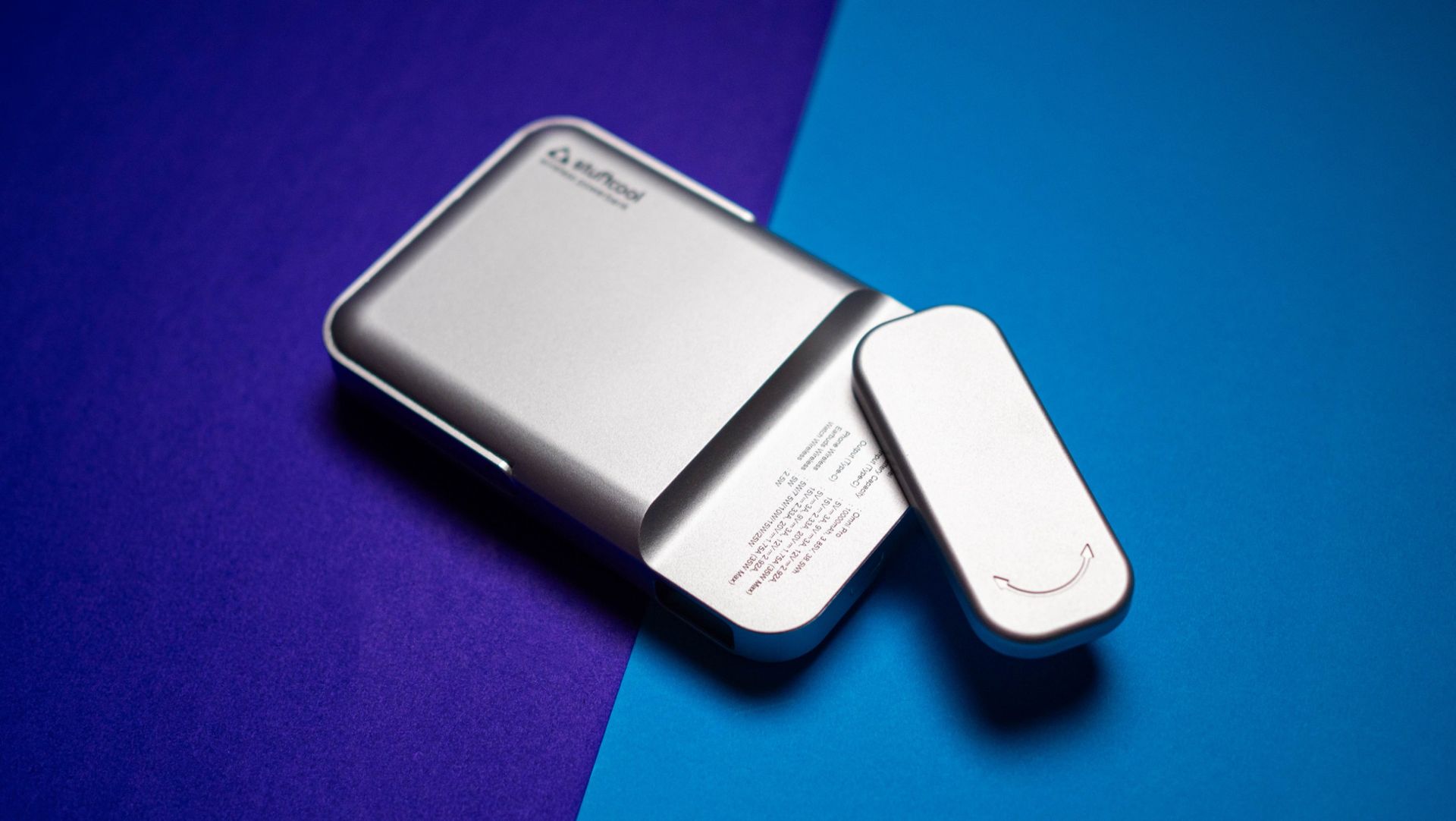
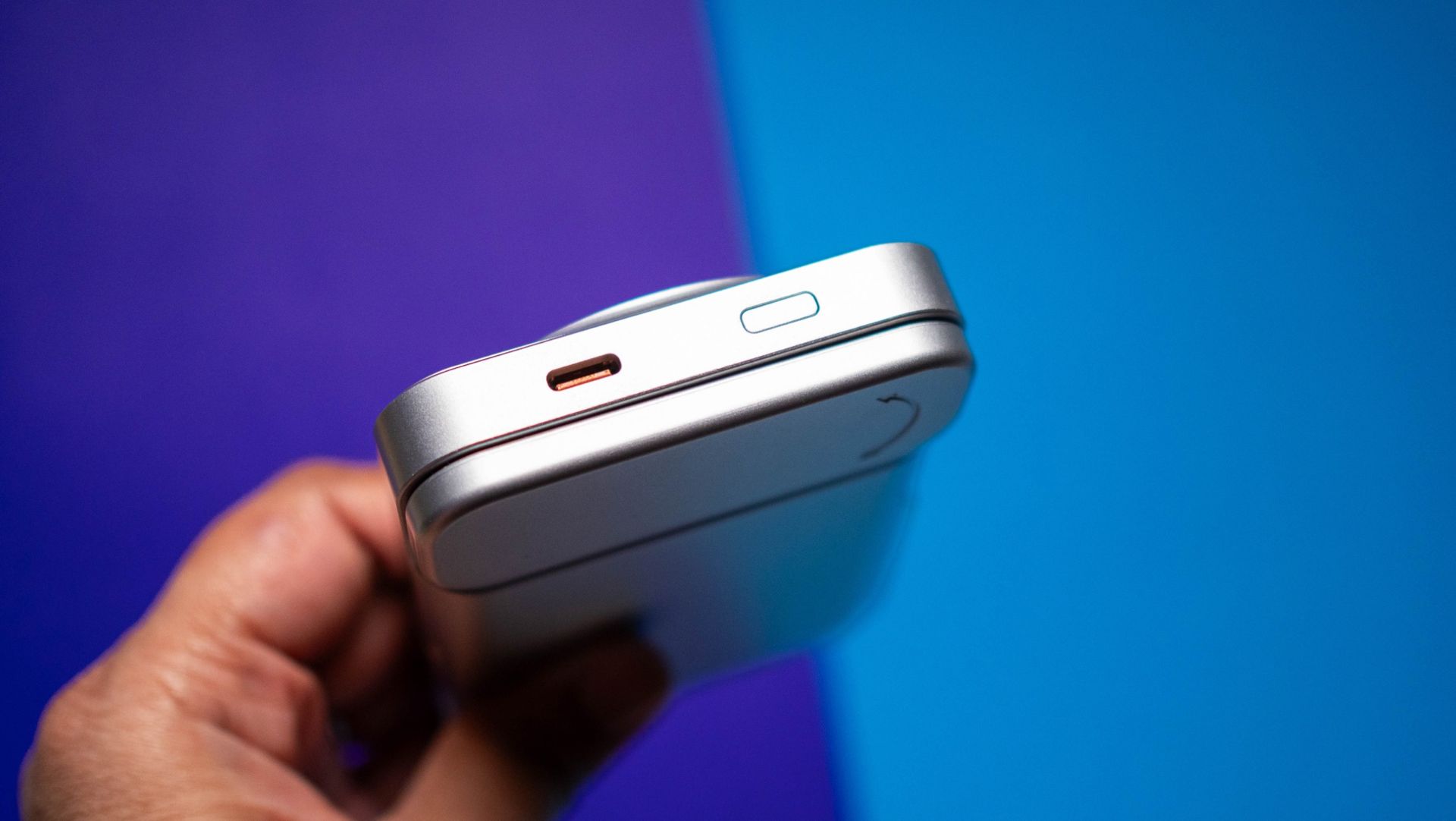
If you're looking to buy a charger in India, you can't go wrong with Stuffcool. The brand regularly churns out reliable products, and with the Omni Pro, it's making its debut with Qi 2.2 charging tech. The Omni Pro is now available for ₹4,999, and that is in line with other Qi 2.2 power banks I used from the likes of Baseus, Anker, and other global brands.
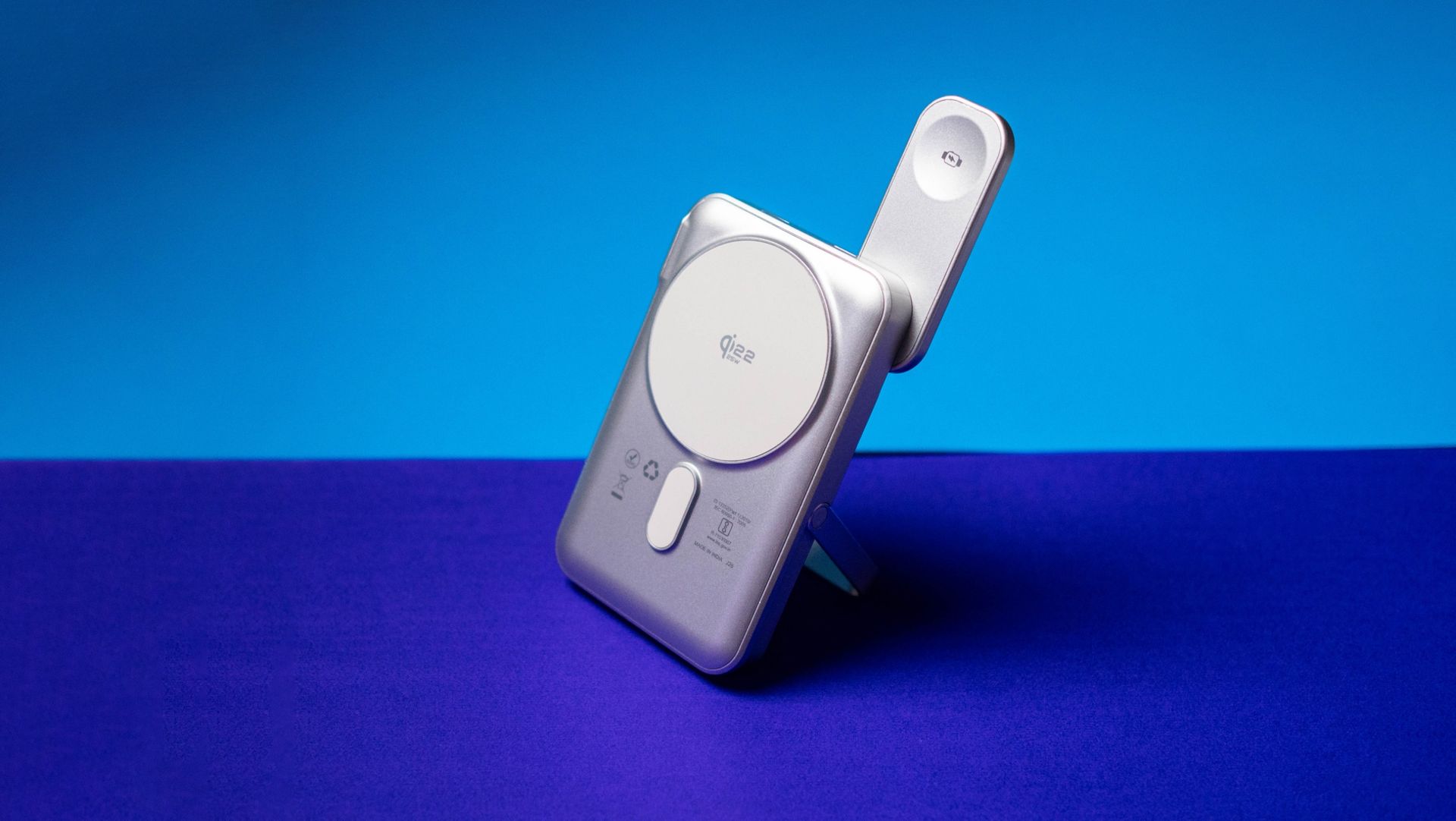
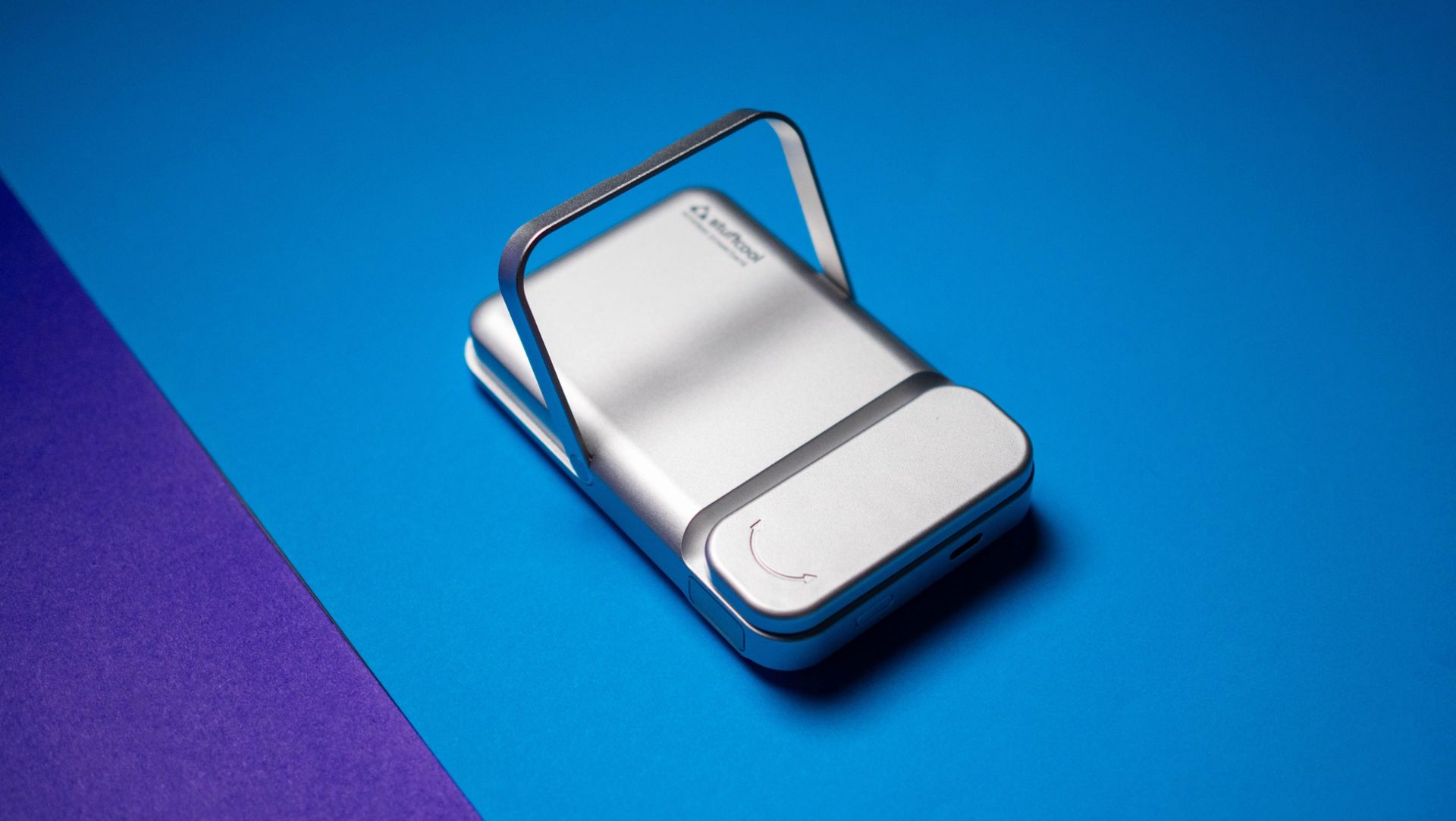
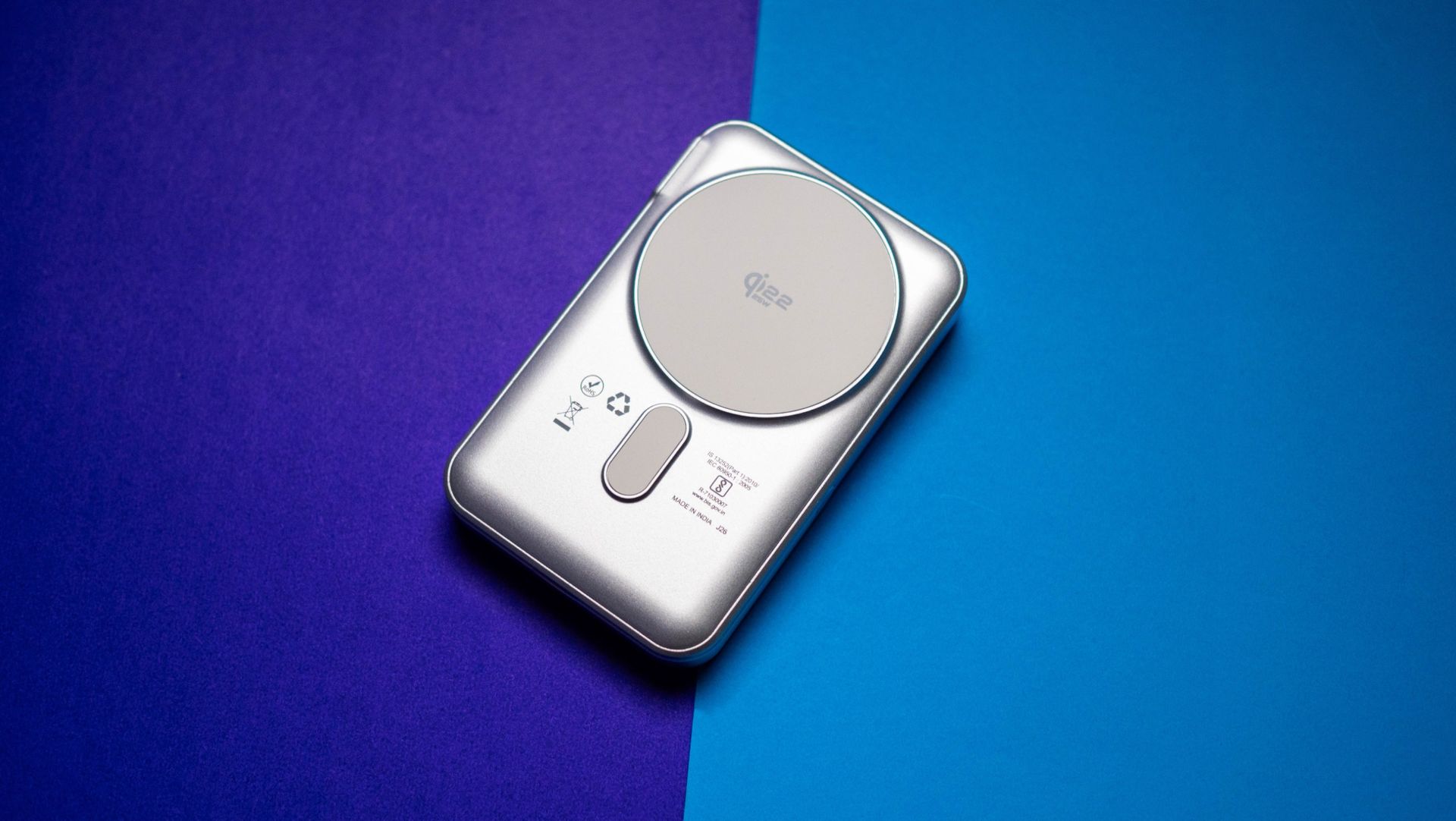
But the Omni Pro isn't just a standard Qi 2.2 power bank. It also has a swivel arm that swings out, and you can easily charge your Apple Watch on it. This is a brilliant idea, and you don't have to take any other devices if you're heading out with an iPhone and Apple Watch. Oh, and there's also a kickstand, giving you the freedom to plonk your phone on the Omni Pro and use it while charging.
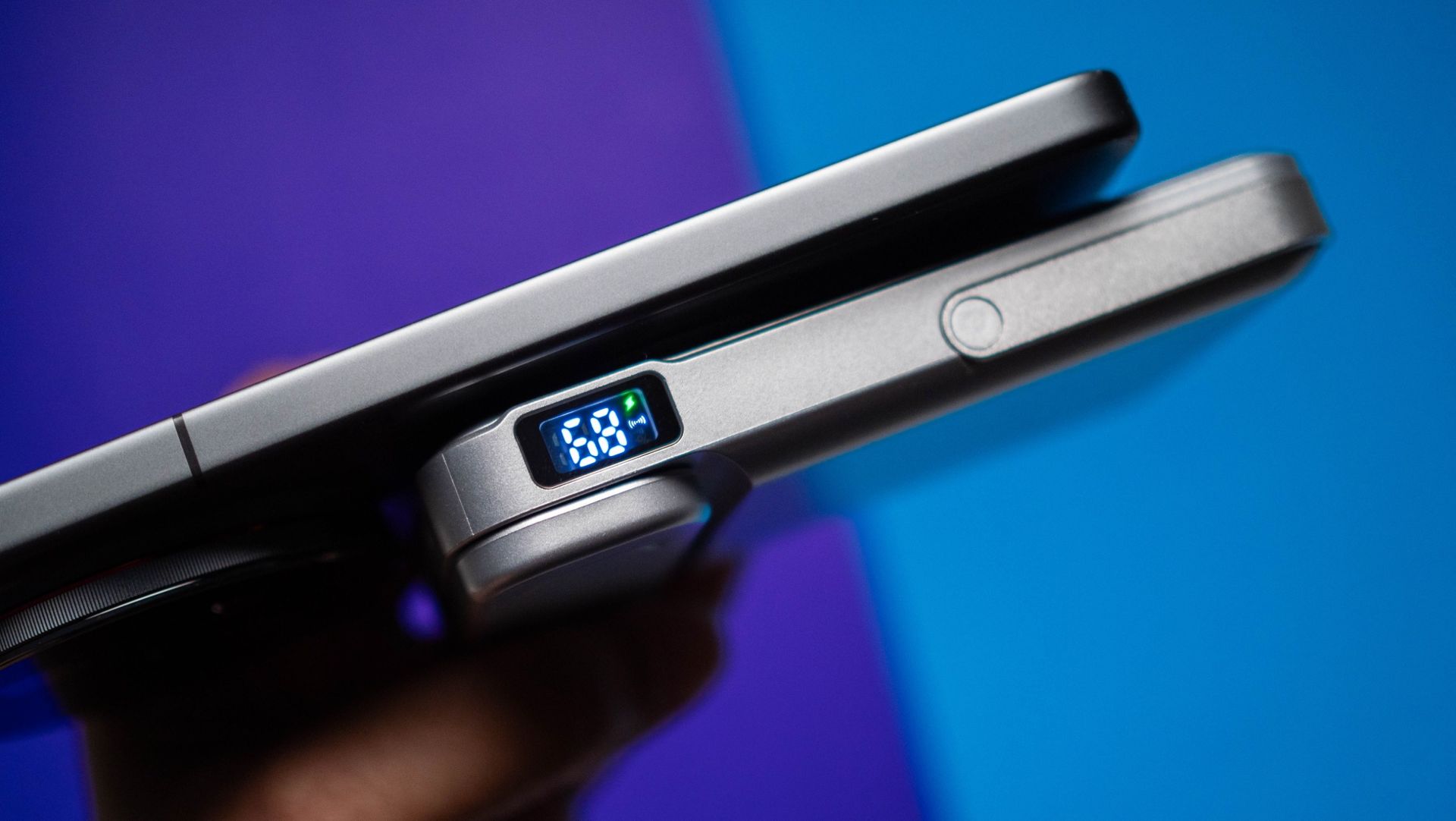
The design is elegant too; Stuffcool went with a silver finish that looks good, and build quality is great — I didn't see any issues in the month I used the power bank. It isn't much bigger than other 10,000mAh power banks, and at 214g, you can slot it into a bag without any issues. There's a tiny panel on the left that shows battery level, and while you don't get charging metrics like the Nexode Pro, it is an easy way of seeing how much charge is left on the power bank.
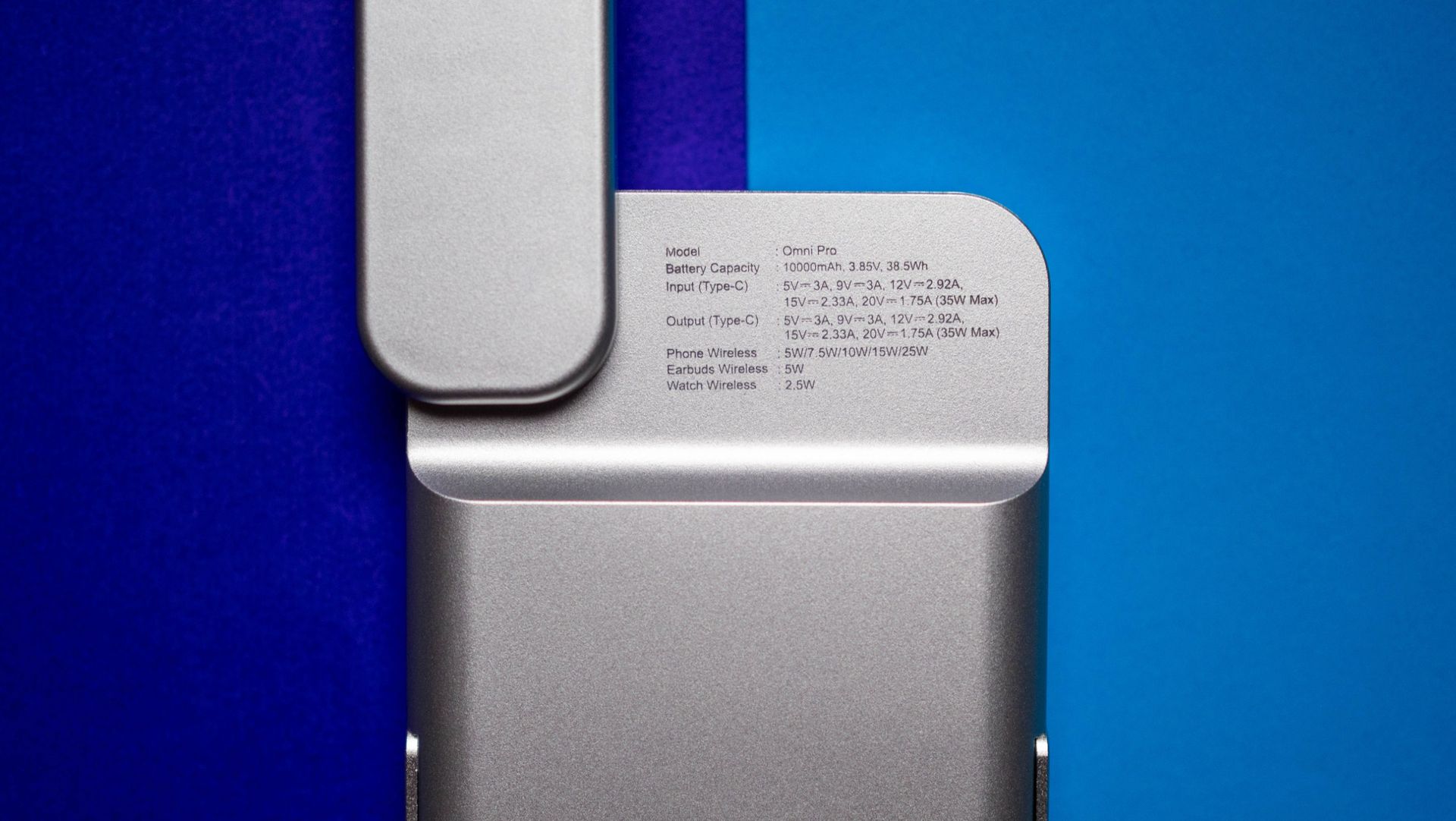
Qi 2.2 charging tech is interesting because it delivers 25W, and I use it constantly with my iPhone 17 Pro and Pixel 11 Pro XL. I'm switching to the iPhone 18 Pro Max this week, and it's great to be able to reliably charge these devices without having to connect a cable. The versatility of being able to do so with the Apple Watch is just the icing on the cake.
There's a USB-C cable as well that goes up to 35W, so if you need a faster charge, this is the way to go. The internal battery also charges at 35W, and you get a USB-C cable bundled in the box.
The Omni Pro has a 10,000mAh battery, and it can easily charge the Pixel 11 Pro XL or iPhone 18 Pro Max once over. Standard energy conversion means you don't actually get up to 10,000mAh of usable power — it's around 5,500mAh or so. This is the case with all power banks, and the Omni Pro did a good job delivering consistent power in the month I used it.
There aren't many reliable Qi 2.2 power banks in India, and the Omni Pro is one of the best available in the country. It looks good, does a good job charging devices over the Qi 2.2 standard, and is easy to take anywhere.
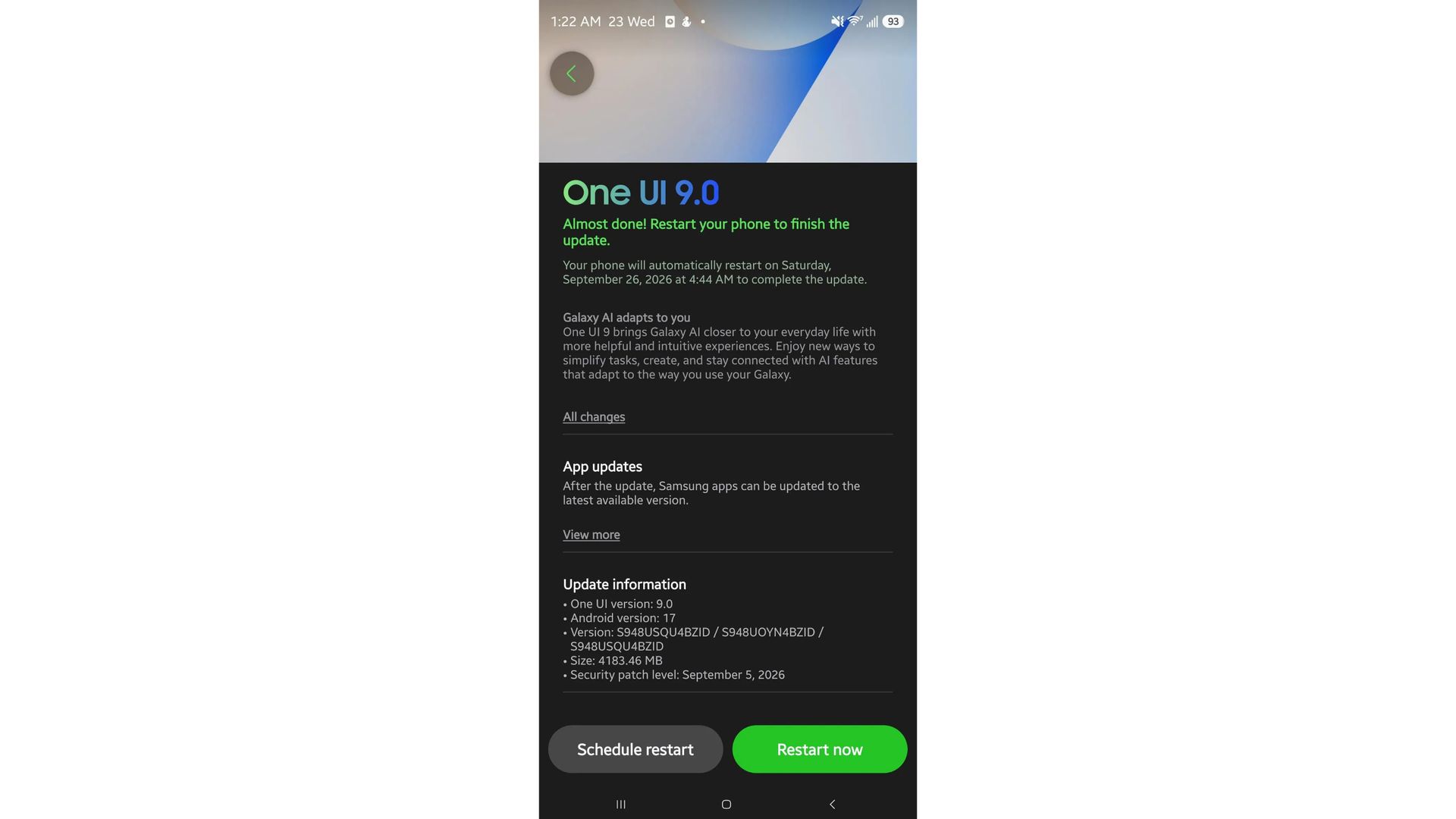
One UI 9 has started rolling out to some T-Mobile Galaxy S26 Ultra owners in the U.S.
The Android 17-based update is around 4GB in size and also includes the September security patch.
Unlocked Galaxy S26 phones and models on AT&T and Verizon don't appear to have received the update yet..
Samsung has started rolling out the One UI 9 update for Galaxy S26 Ultra owners in the U.S., although it appears to be limited to T-Mobile models for now.
Earlier this month, Samsung announced that One UI 9, which debuted with the Galaxy Z Fold 8 series, would begin rolling out to the Galaxy S26 lineup this month. Reports initially suggested the rollout would begin around September 21, but that didn't happen. We later even heard rumors that Samsung may have delayed the Galaxy S26 series' One UI 9 rollout indefinitely.
It now looks like things have taken a U-turn, and there's finally some good news for Samsung users in the U.S. The company appears to have started rolling out One UI 9 to at least some Galaxy S26 Ultra owners.
(Image credit: Reddit u/Strong-Size-700)
A user on Reddit reports that their T-Mobile Galaxy S26 Ultra has received the One UI 9 update. As expected, the update is based on Android 17 and comes in at around 4GB. It carries the build number S948USQU4BZID/S948UOYN4BZID/S948USQU4BZID and also includes the September security patch.
A few other users in the Reddit thread have also confirmed receiving the update on their T-Mobile Galaxy S26 Ultra. However, it appears that other Galaxy S26 models on T-Mobile, alongside unlocked devices and phones on AT&T and Verizon, haven't received the update just yet. So, it looks like T-Mobile may have jumped the gun and started rolling out One UI 9 ahead of the wider U.S. release.
That said, if you have a T-Mobile Galaxy S26 Ultra, it's worth heading into Settings and manually checking for the One UI 9 update if you haven't received a notification yet.
There's currently no word on exactly when One UI 9 will arrive for unlocked devices or other carrier variants. But with the update now appearing on T-Mobile models in the U.S., the wait hopefully shouldn't be much longer.
The AI glasses race is seriously heating up in fall 2026 with yet another new brand, but this one is doing something no one else has done so far. Vonder, a new company from the folks behind Viture and Oura, showed me its new line of intelligent eyewear that's coming to Best Buy shelves in just a few weeks, with preorders starting on September 28.
Vonder sets itself apart by ditching the camera, a piece that's become a privacy nightmare for some smart glasses, and instead uses a combination of bone conduction sensors, powerful speakers, and seriously intelligent AI to create a totally different experience.
Instead of capturing moments in photos or videos, Vonder Intelligent Eyewear captures all the thoughts you (and only you) have spoken out loud throughout the day and turns them into searchable, actionable information. It's a similar concept to MemoMind One, but with a far more private experience and more mature software, and they're going to be a huge hit if my time with them is any indication.
A chat with the founders
(Image credit: Nicholas Sutrich / Android Central)
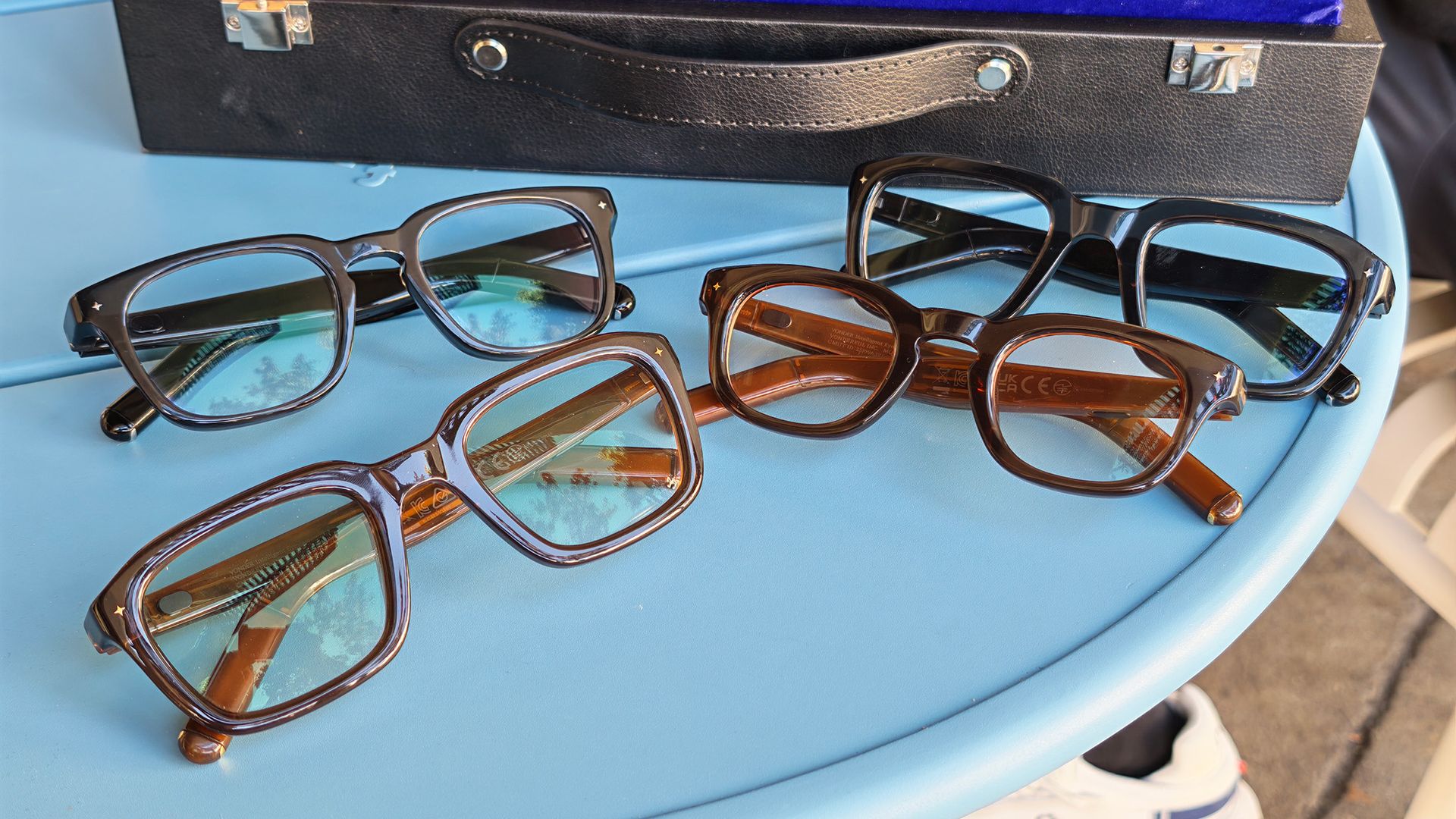
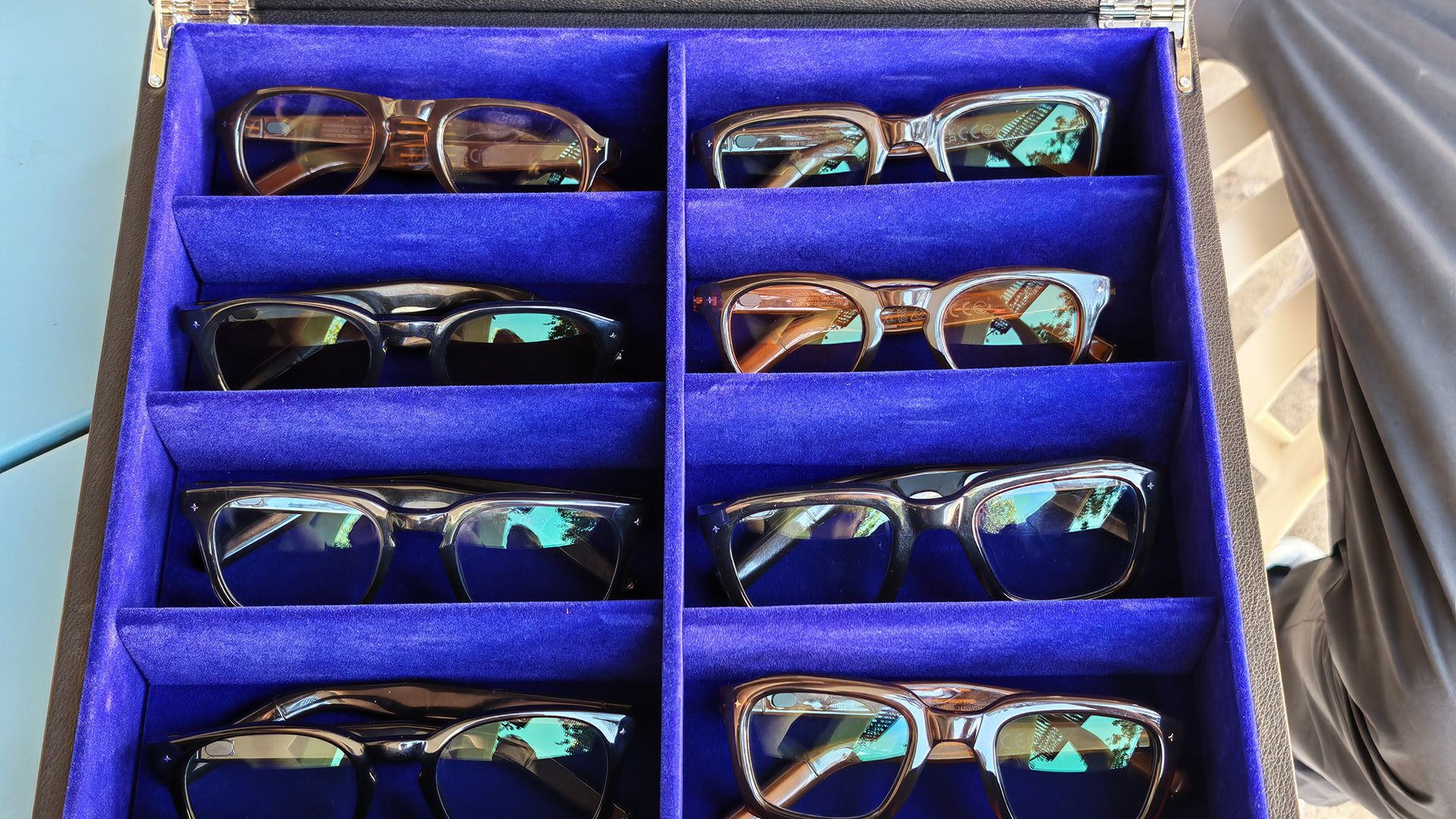
I spent just over two hours chatting with two of Vonder's three founders, Emily Wang and David Jiang, on a Monday afternoon in Palo Alto. The duo showed up with a briefcase full of Vonder glasses, showcasing a blend of every glasses style the company offers.
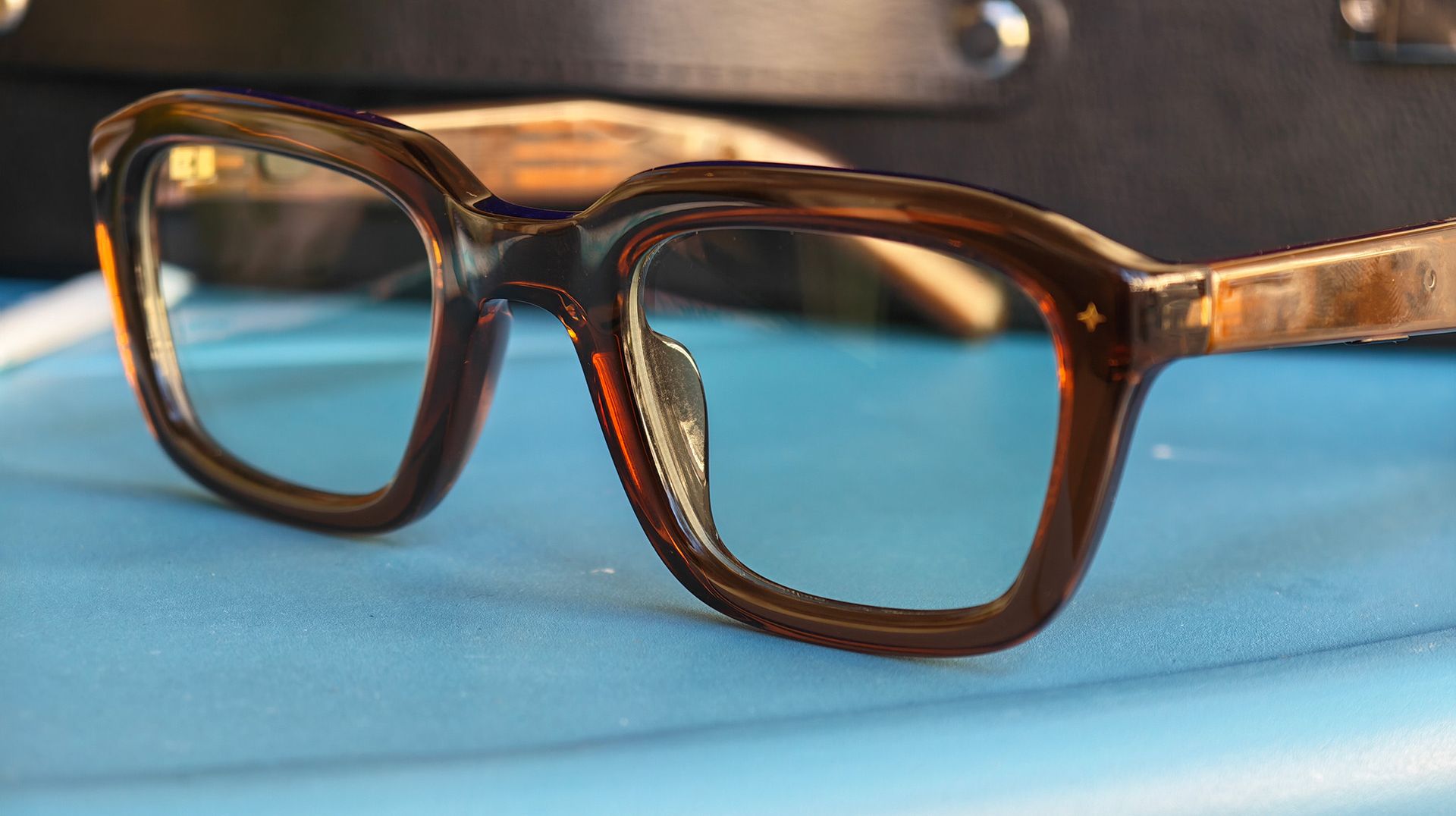
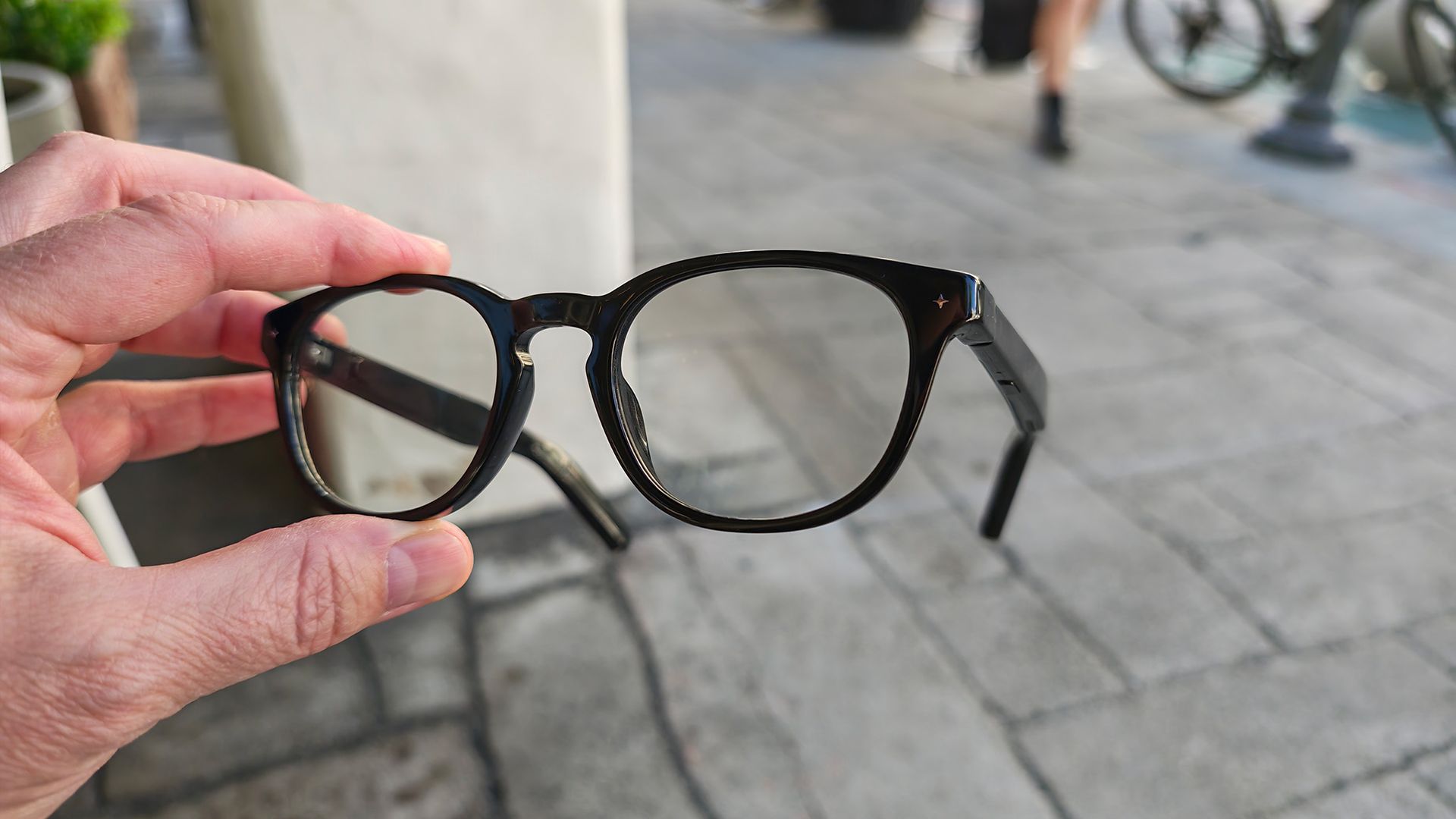
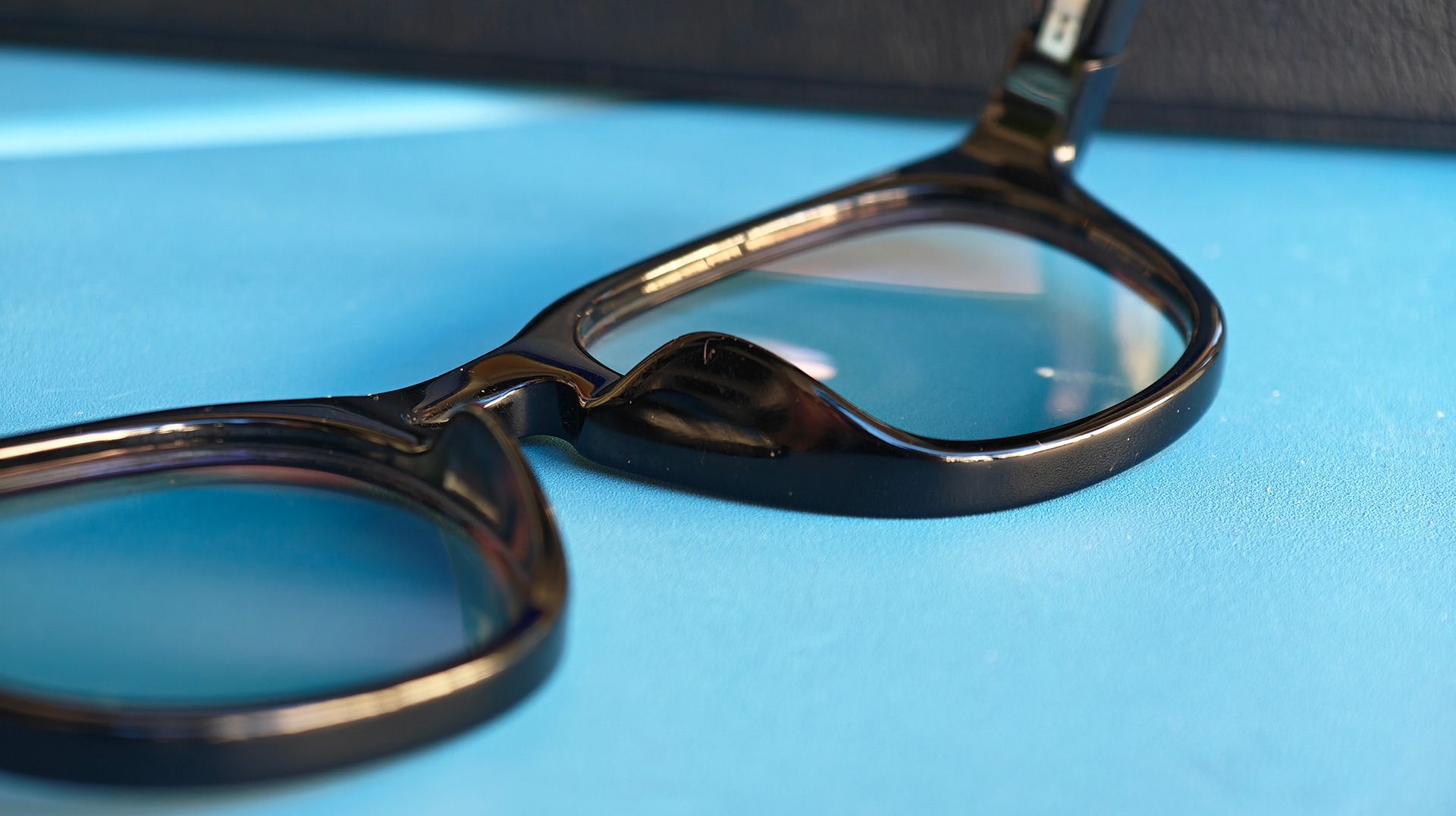
As they talked to me about their latest product, Emily, who co-founded Viture (some of the best smart glasses), pointed out that David was wearing the style I had just picked up, something I hadn't noticed at all because the glasses looked so normal. Even Ray-Ban Metas are a tad thicker than a normal pair of Ray-Bans, but these glasses had totally fooled me, and that's just the start of where Vonder got things right.
At just 30g, these glasses are by far the lightest smart glasses I've worn to date, making them the same weight as a normal prescription pair. It's the moment I've been waiting for, and I know a lot of other people have, as well.
Nicholas Sutrich / Android CentralNicholas Sutrich / Android CentralNicholas Sutrich / Android CentralNicholas Sutrich / Android Central
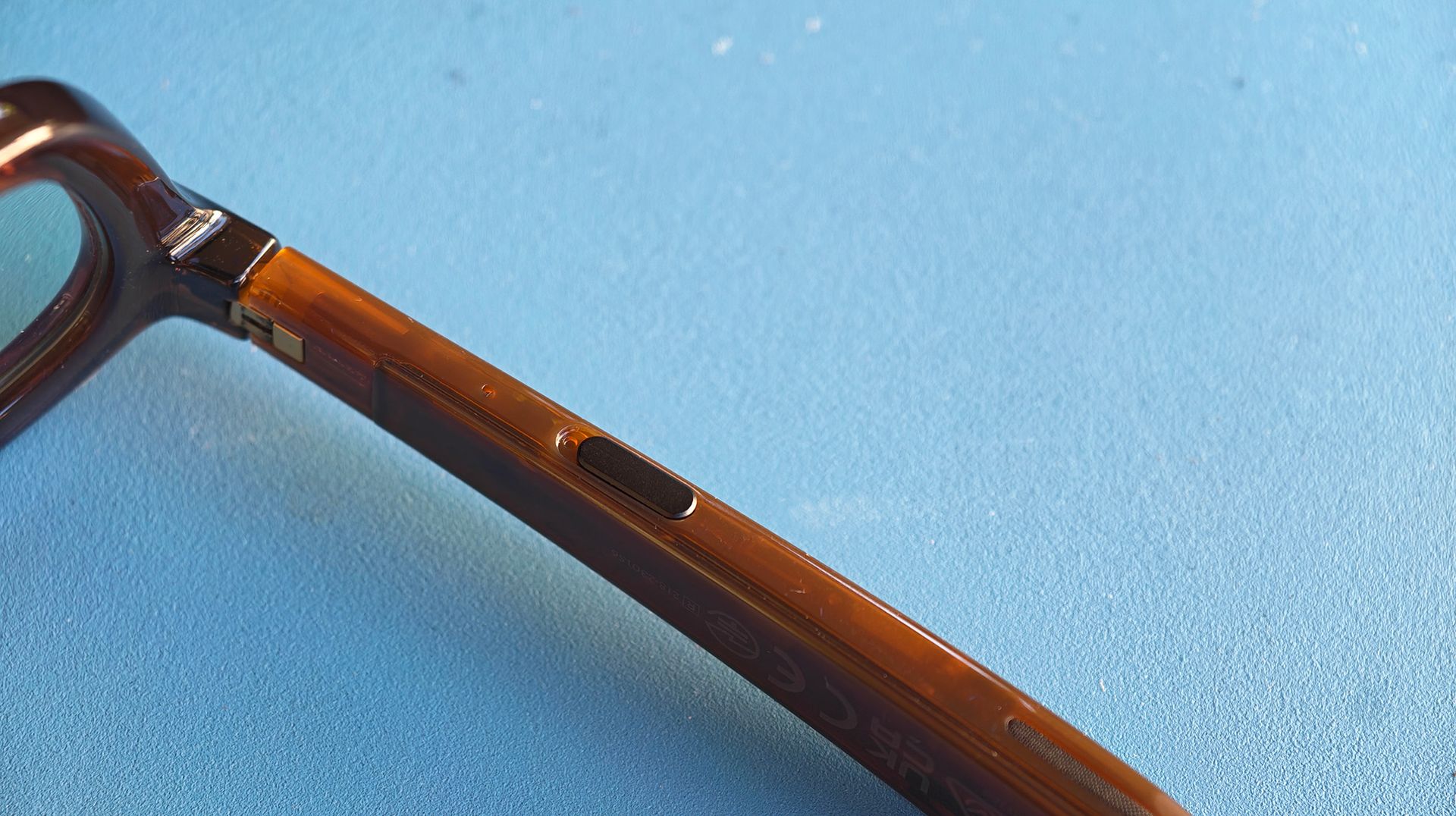
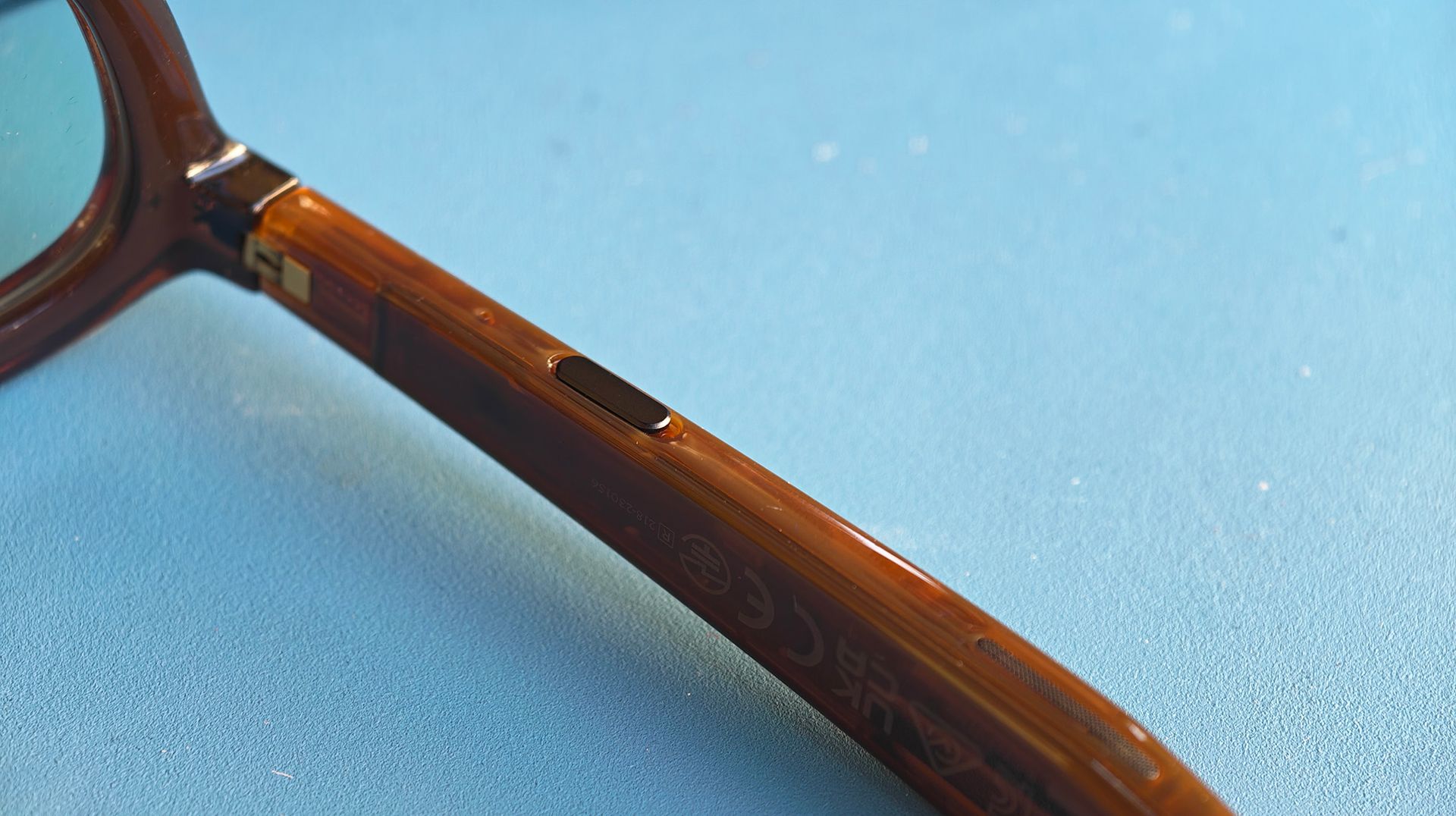
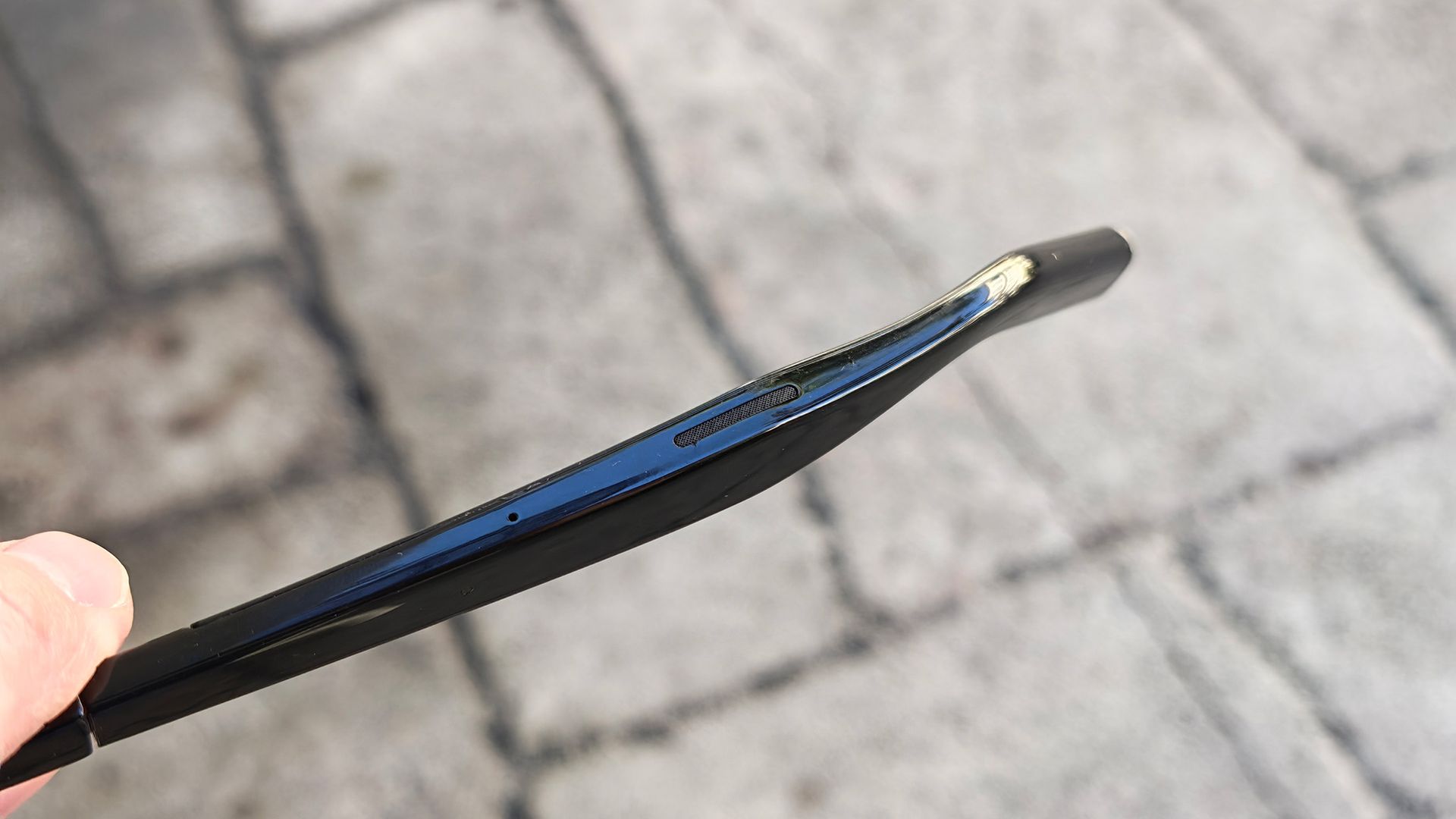
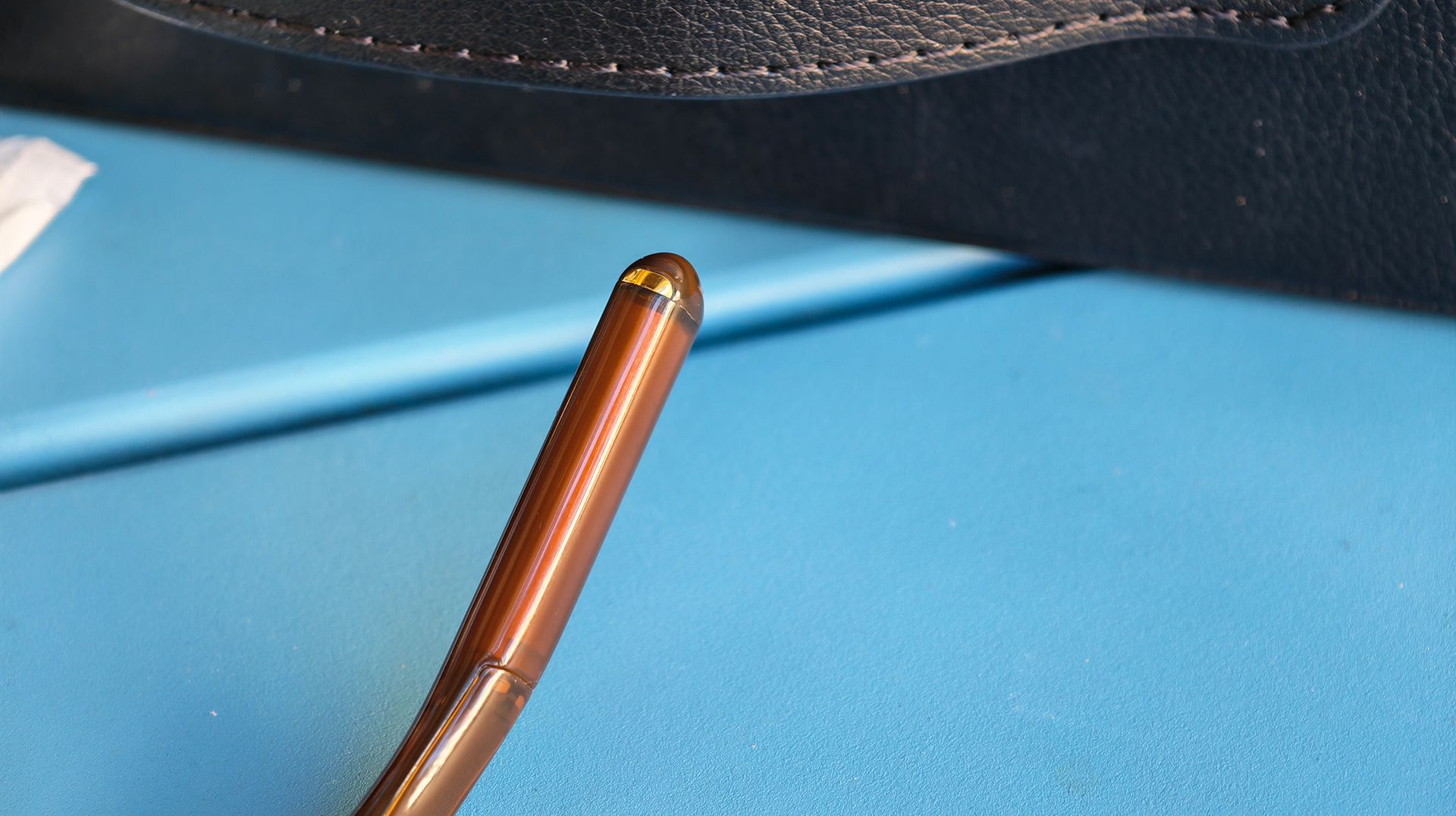
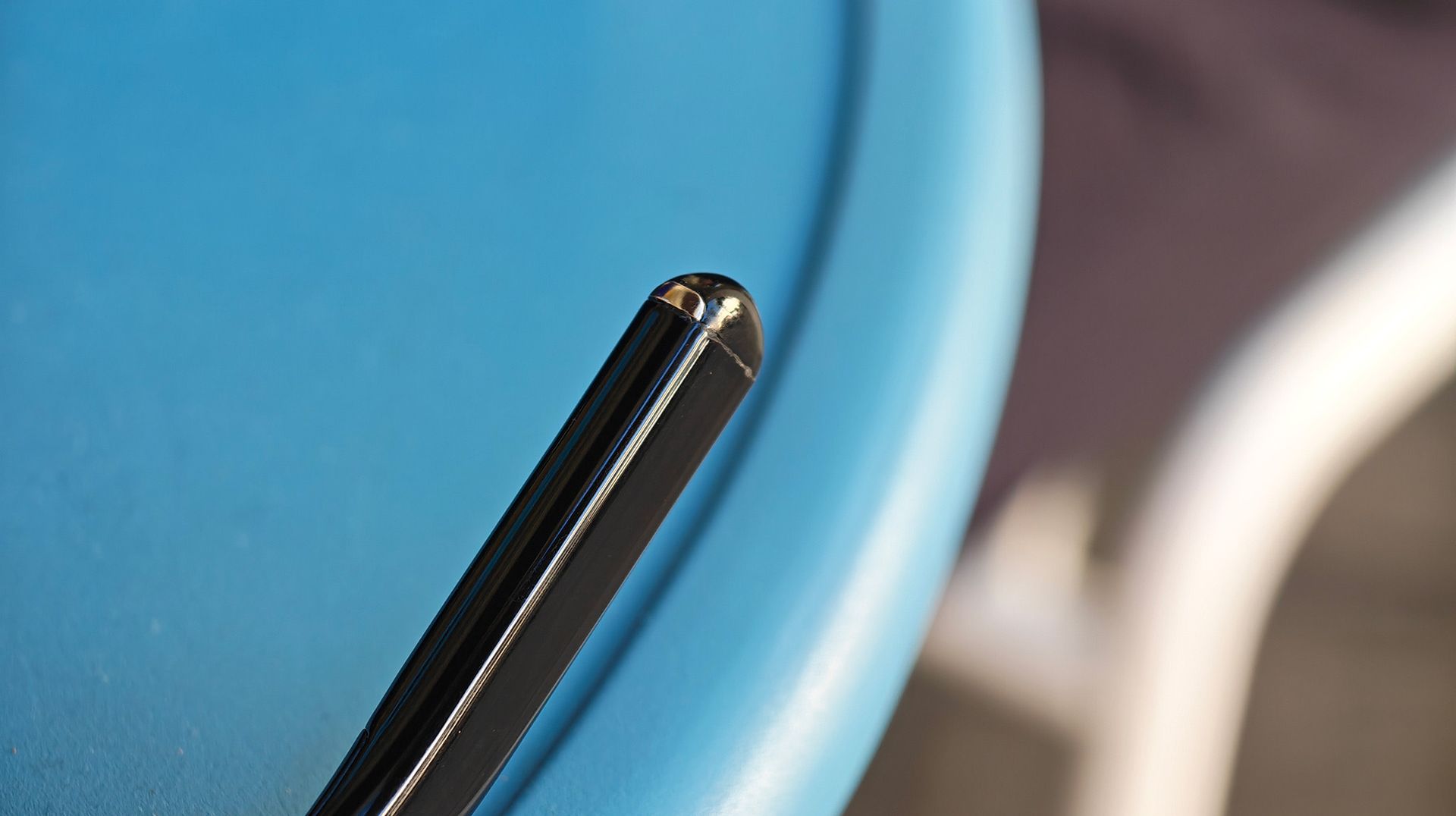
But what good are smart glasses without a camera? Here's where the paradigm shift comes in. Instead of capturing moments in the form of photos and video, Vonder Intelligent Eyewear captures your thoughts as you speak them out loud via a clever bone conduction sensor located at the end of the temples, before the curved temple tips.
This ensures that other people around you aren't recorded without their consent. Consent is the biggest problem with smart glasses today, and Vonder's clever design goes a long way to solving it. You can even permanently delete all your data with one tap in the app if you want to.
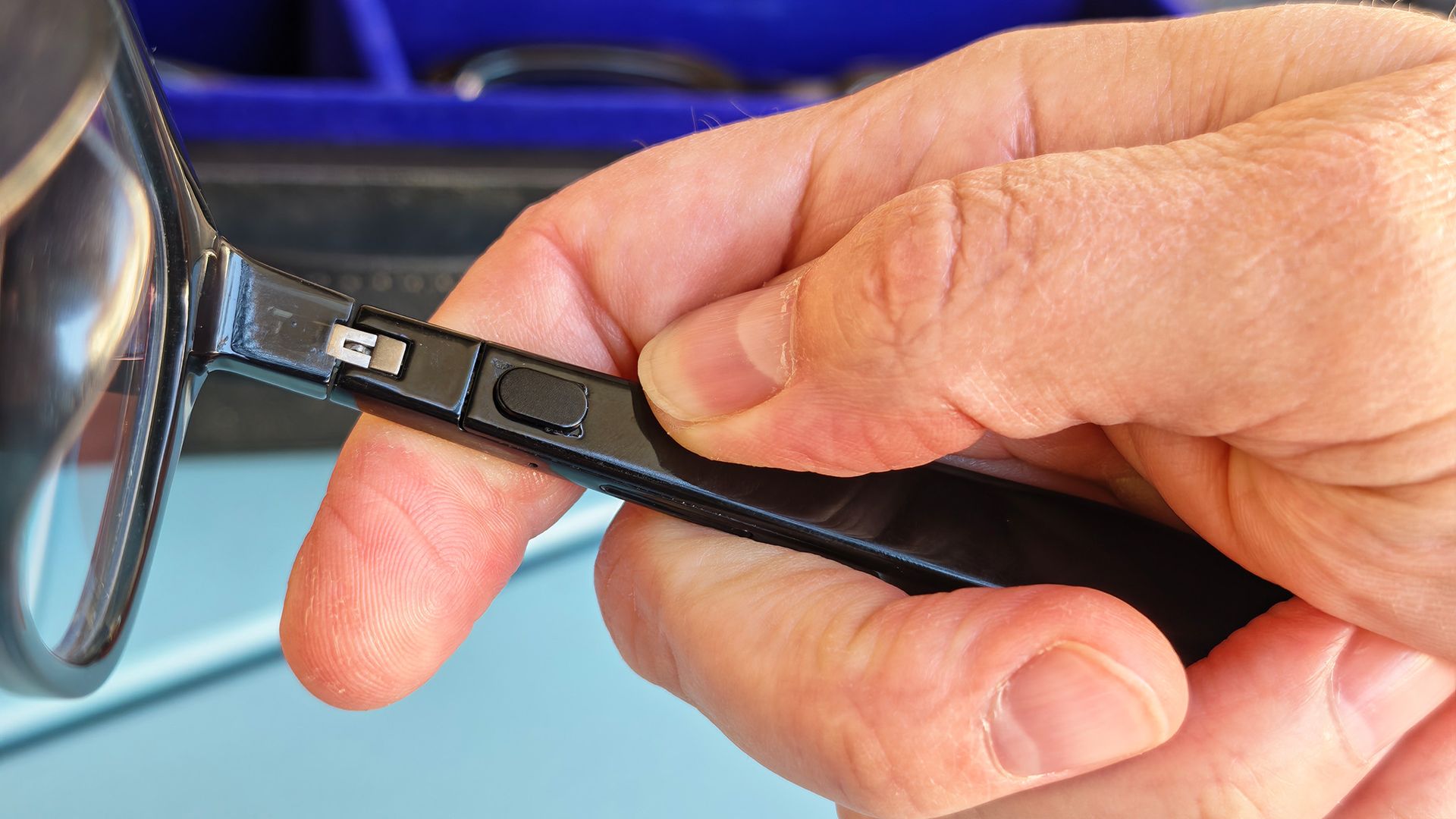
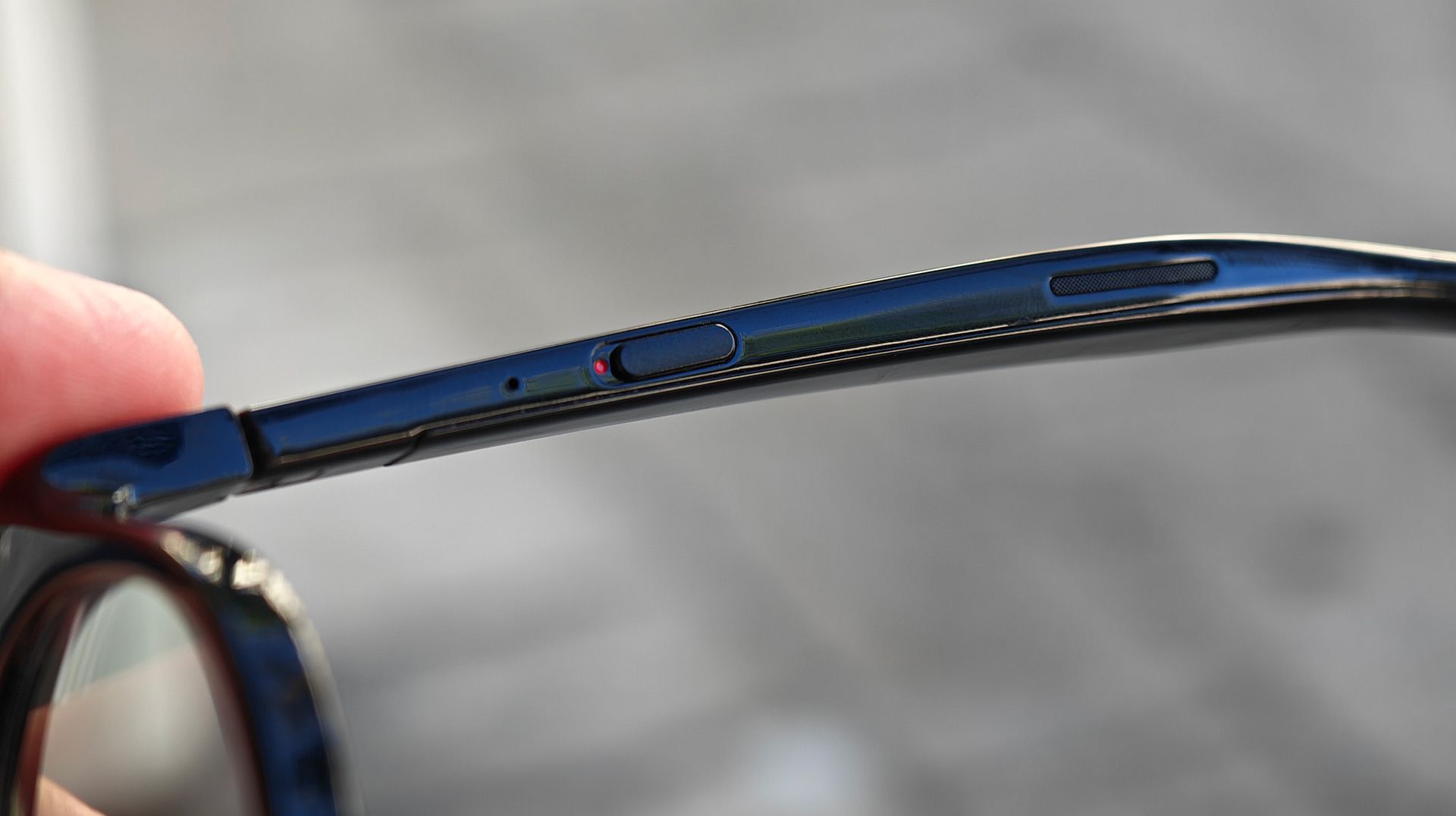
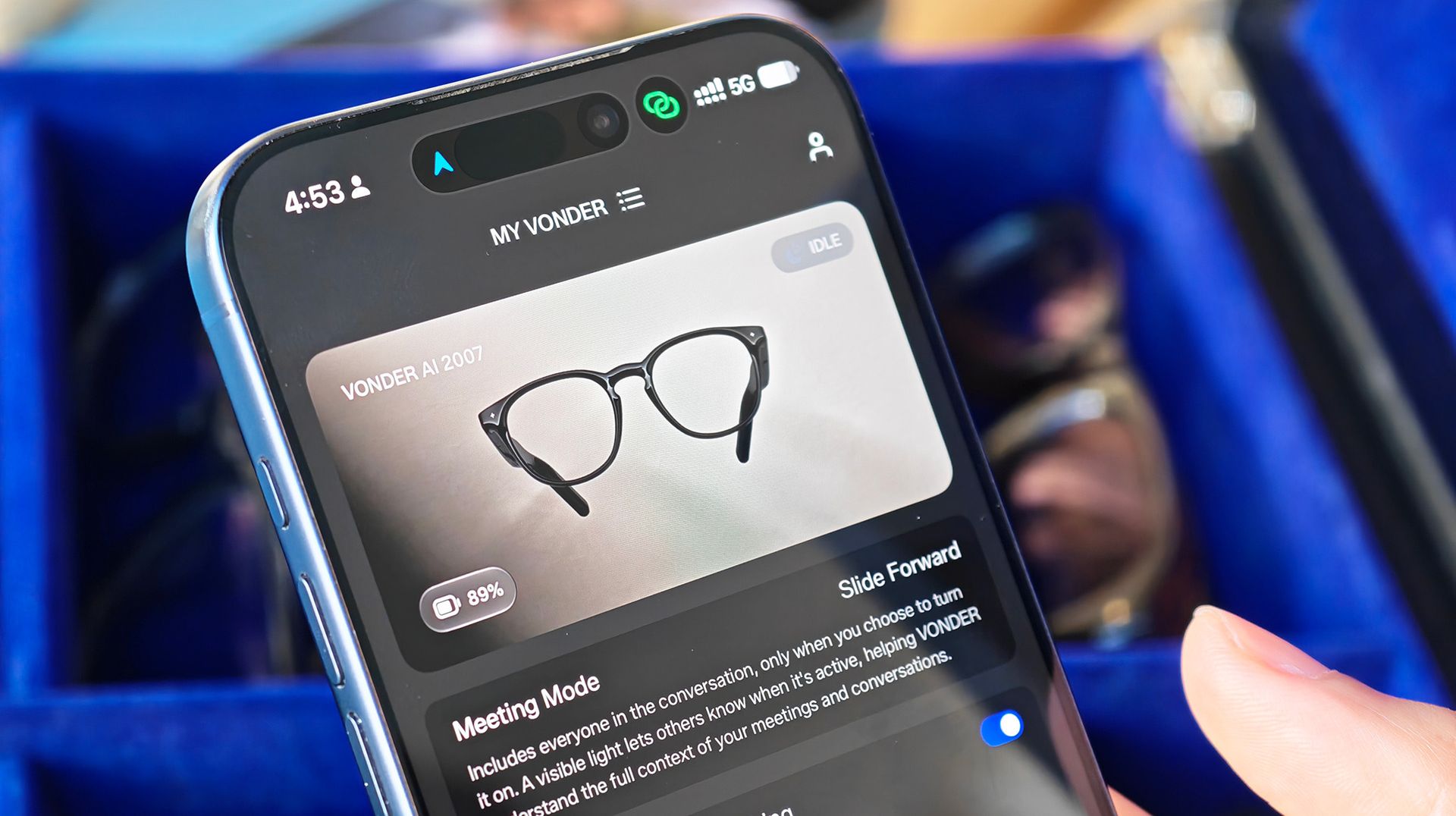
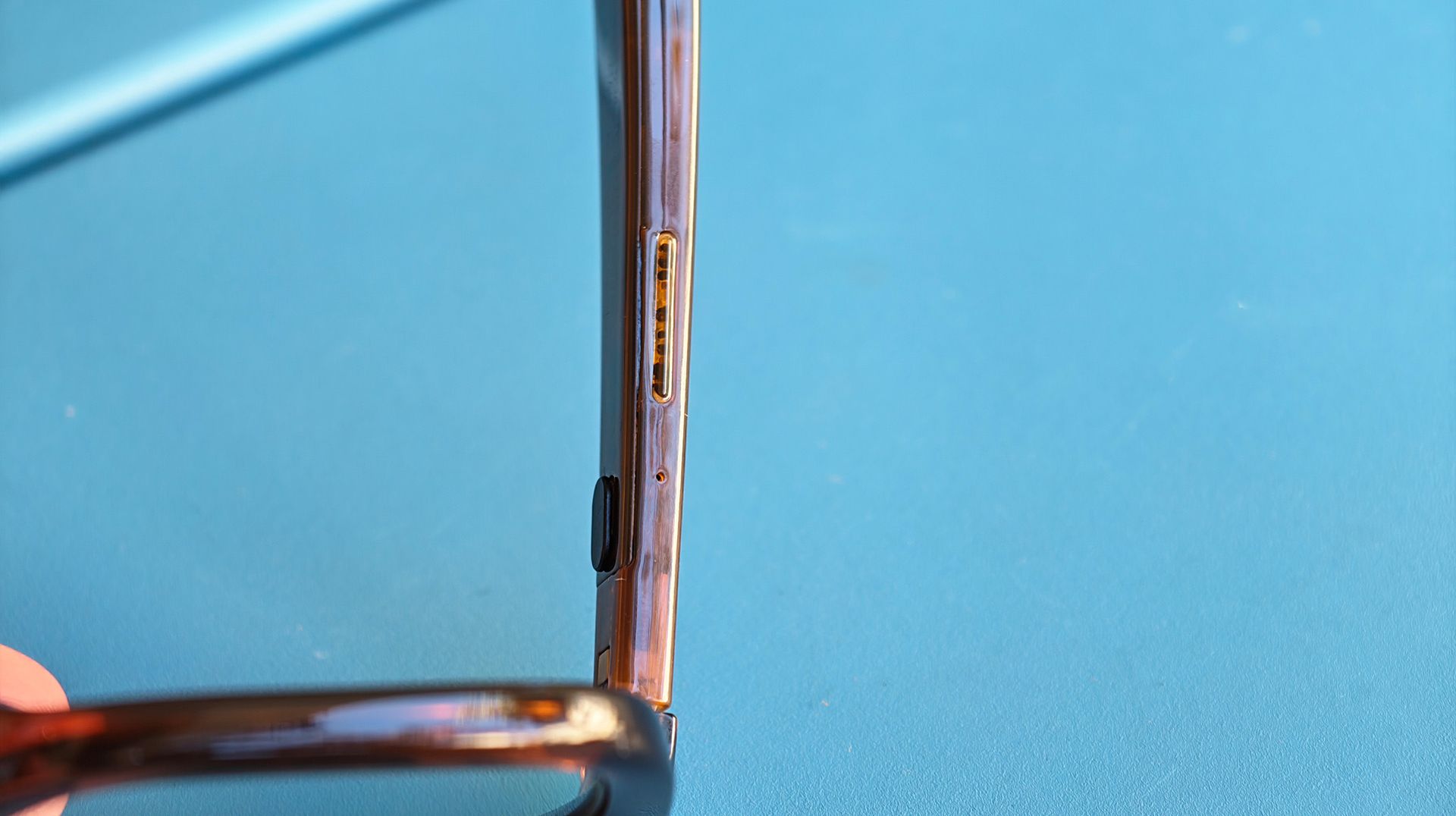
The glasses have two switches onboard plus a tactile raised touchpad on the underside of the right temple. One switch is a power switch, while the other is a "meeting mode" switch. This second one switches the glasses' recording function from bone conduction to four microphones located on the temples: two forward and two downward.
Nicholas Sutrich / Android CentralNicholas Sutrich / Android CentralNicholas Sutrich / Android CentralNicholas Sutrich / Android Central
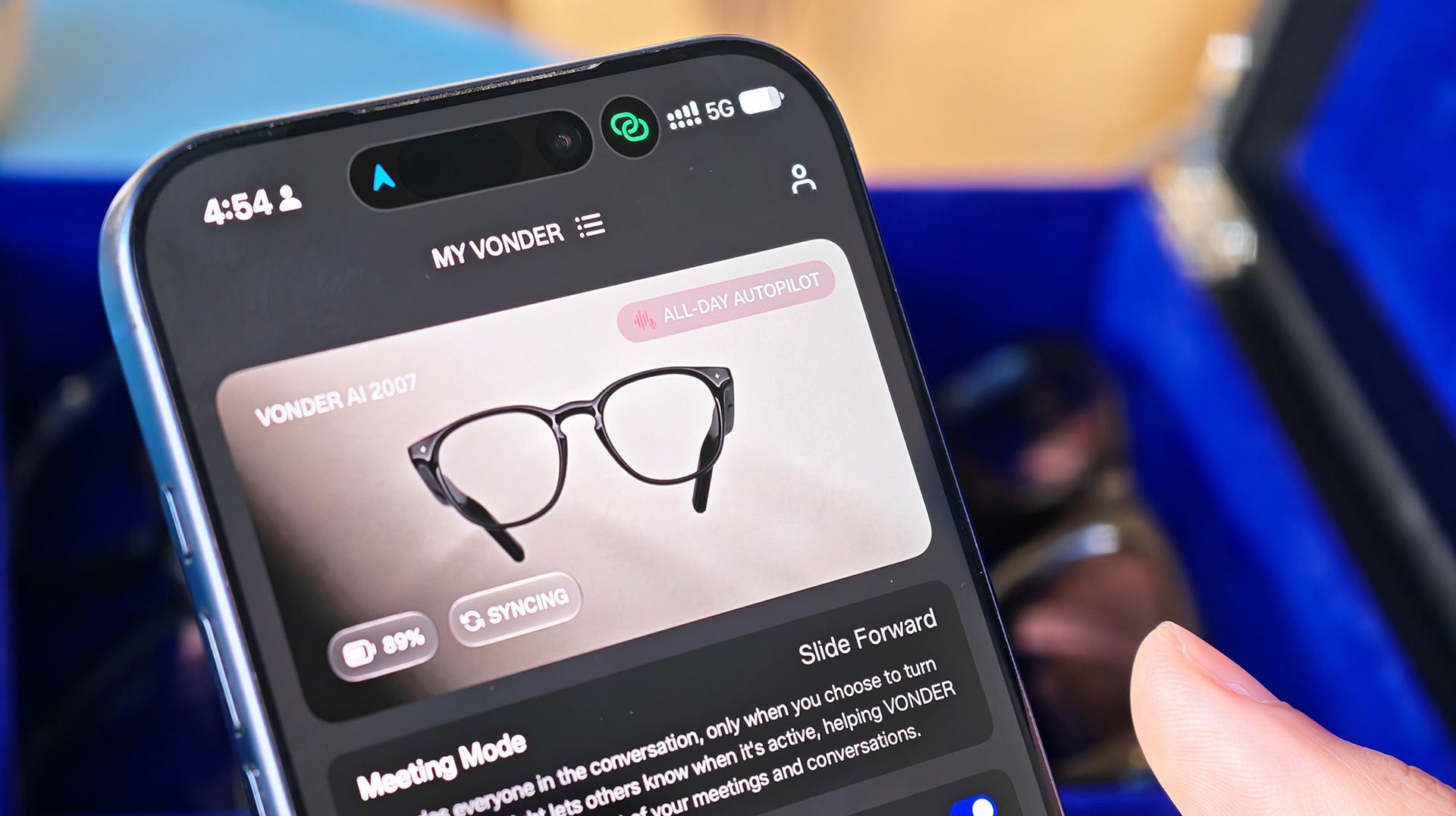
This mode is intended to be used only for recording meeting notes or other conversations that are important and is paired with a tamper-proof bright blue LED on the side. Start recording, and it immediately illuminates. Flip the switch, and it turns off. Audio is deleted the moment it's transcribed.
Vonder's AI platform soaks in all the data and turns it into actionable items and summaries. Full conversations — whether they're just your thoughts or the entire meeting room's — are not available at any time. "Notes, not recordings," is one of Vonder's key tenets for ensuring privacy, and it seems to work impressively well in the two hours I spent talking to Emily and David.
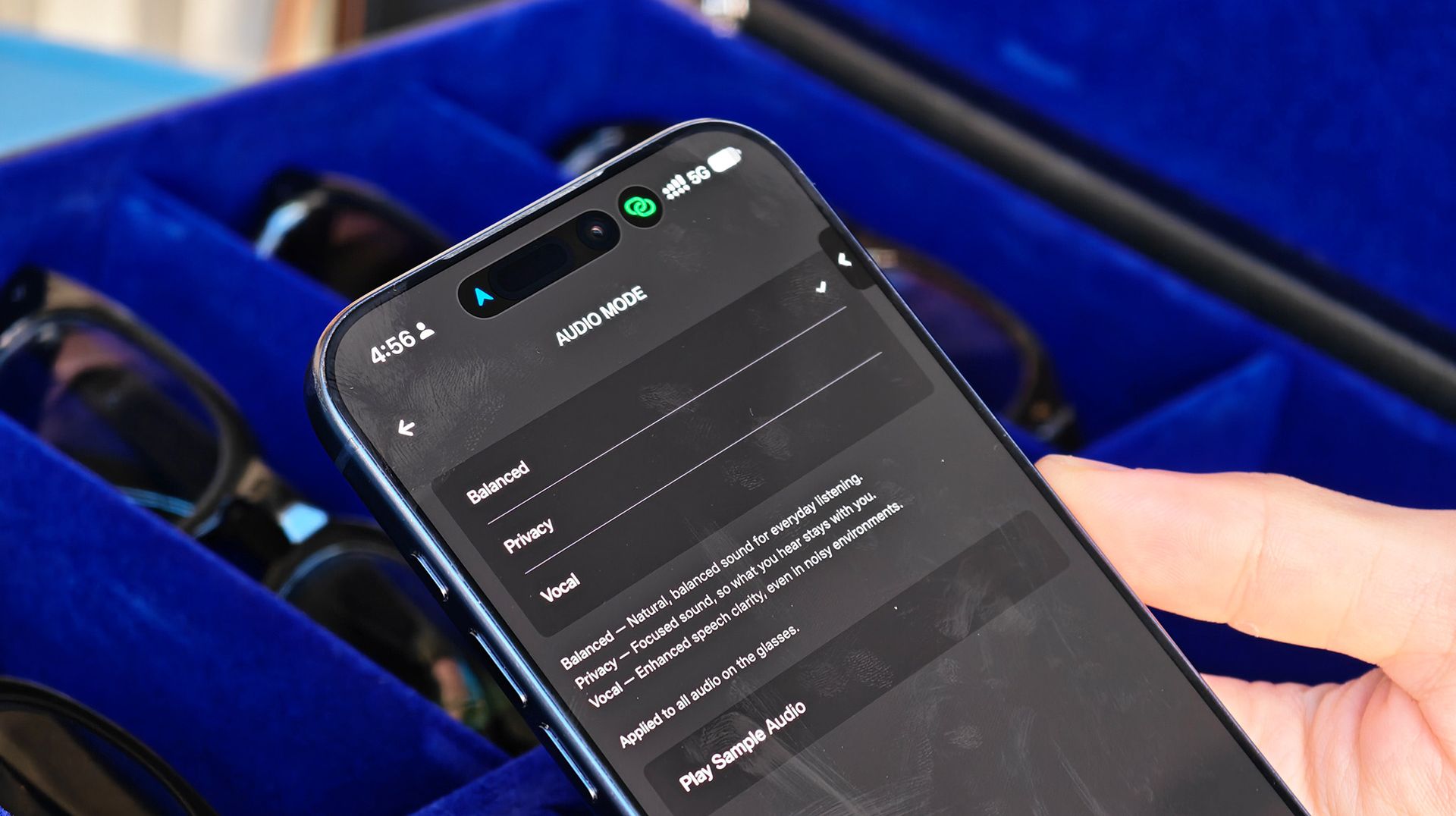
The Vonder app and web platform store all these notes for future reference, allowing you to search your memories at any time. It's a full AI agent that's powered by every major AI platform to date, including ChatGPT, Gemini, you name it, so you know it works well.
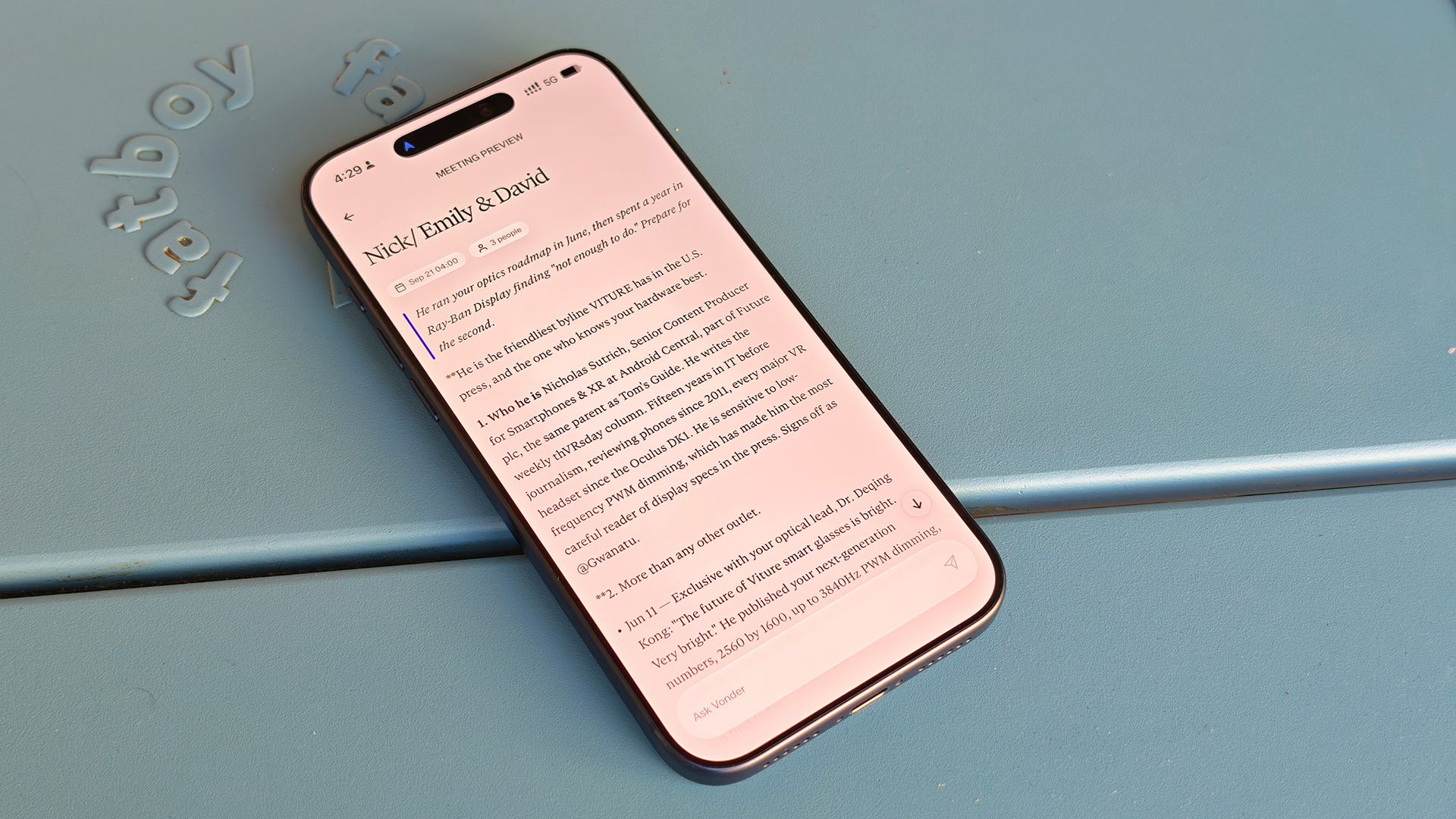
The service sports a unique 3D knowledge cloud that links common topics you talk about. Everything is not only searchable when you need it, but also proactive. That means when you search using Vonder, it doesn't just come up with the same information that ChatGPT or Gemini would; it also adds your memories into the mix.
Vonder AI can even be connected to your Google account, letting it parse details from there. David showed me his AI-generated daily digest, which included a "know before you go" summary of my bio and articles I've published about Viture, all pulled from the calendar entry for u
It's the sort of personalized "superintelligence" that we've heard Google, Meta, and others talk about, and it's made possible by a pair of ordinary-looking glasses you'll want to wear all day.
Less looking down, more looking forward
(Image credit: Nicholas Sutrich / Android Central)
As David Jiang was telling me this, he made it a point to highlight the brand's blend of fashion and tech roots. Emily Wang, who was also at the table, previously worked for The RealReal and NEIWAI. The company's other co-founder, Guillaume Hamon, comes from Rivian and Oura, while David himself hails from Google.
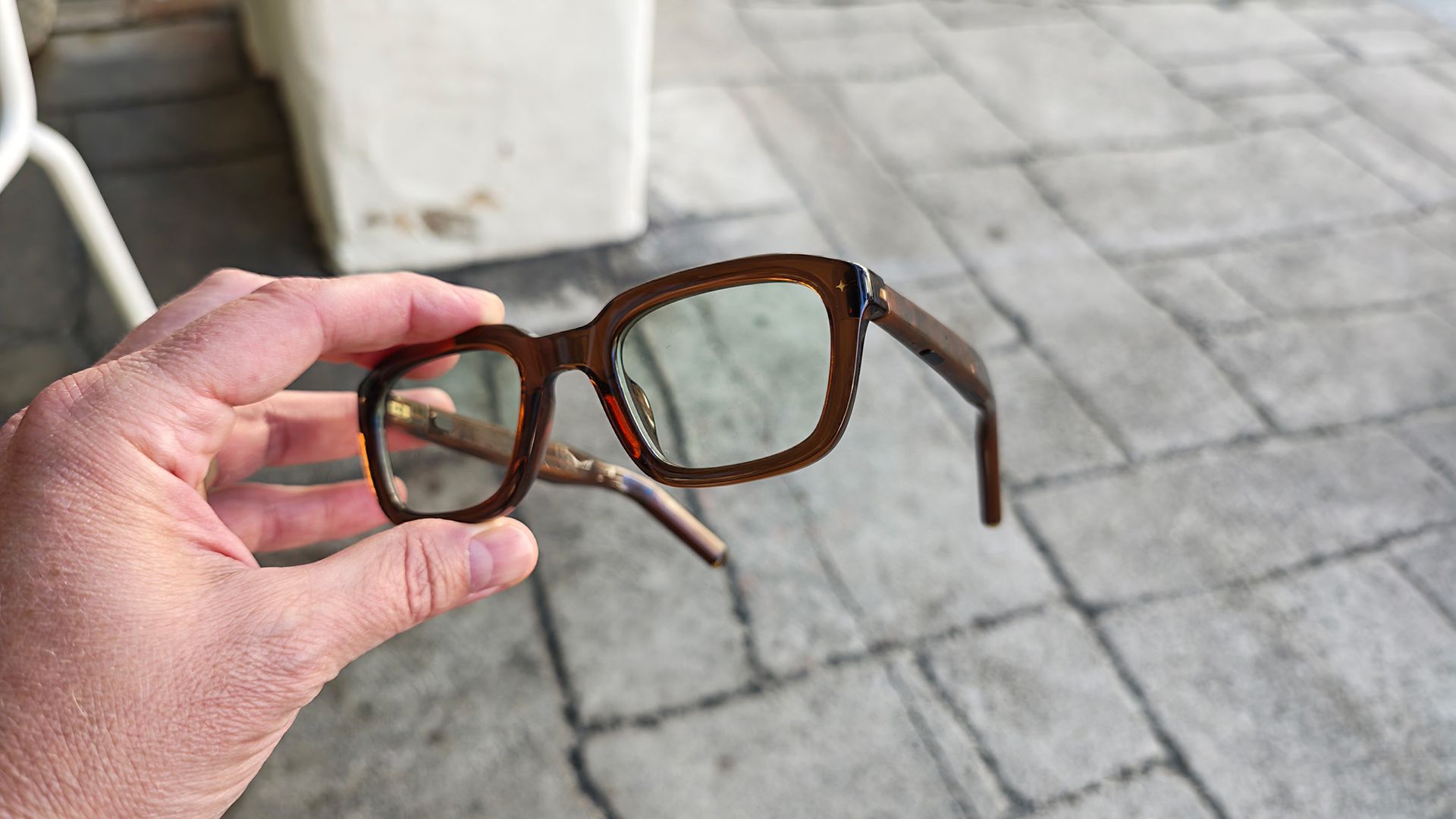
Vonder features European design, comes in six different styles, three different colors, two sizes for each style, and a boatload of different lens and color combinations for all of them. Unlike Meta's somewhat confusing product lineup, which features a mishmash of colors and style options unique to each line, everything Vonder makes is available in the style you want.
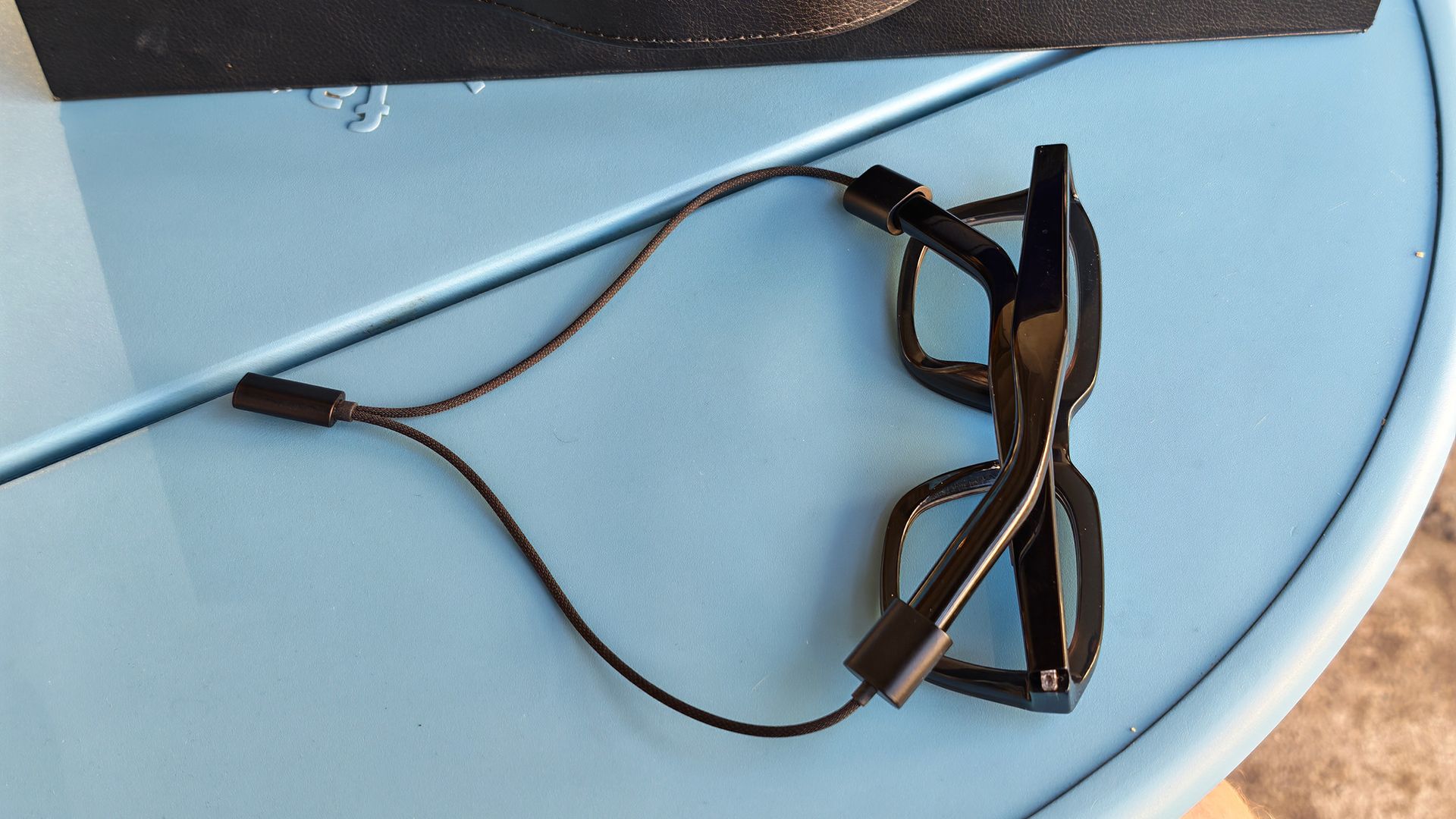
It's all part of making glasses you'll actually want to wear all day, including battery life that matches the part. Vonder glasses ship with a magnetic charging cable that lets them charge while being worn (unlike glasses that charge in a case), but you likely won't ever need to do this thanks to 16-hour long battery life. That's more than double Meta's best estimates.
Nicholas Sutrich / Android CentralNicholas Sutrich / Android CentralNicholas Sutrich / Android CentralNicholas Sutrich / Android Central
And, of course, there's no denying the utility that comes with a wearable AI companion. Vonder is a 100% American company founded and based in San Francisco's Bay Area, another building block in ensuring you feel comfortable while wearing these glasses.
Plus, Vonder AI seems to actually be able to do "regular" tasks like play and control music and answer calls with your voice, something brands like Even Realities and MemoMind haven't been able to deliver on just yet. And if you'd prefer a pair of Vonder glasses with displays in the lenses, well, they've got that coming, too!
All of this adds up to the best pair of camera-free AI glasses I've used to date, and I can't wait to get a final retail pair on my head.
Google is expanding the motion-sickness feature to more Android phones through Google Play services.
You’ll need an Android 17 or newer device running Google Play services v26.37.
Motion Assist uses your phone’s motion sensors to move on-screen bubbles in sync with the vehicle.
Google is taking one of the more unusual features from its September Pixel Drop and bringing it to a much wider audience. Motion Assist, the company’s attempt to reduce motion sickness while you’re using your phone in a moving vehicle, is now rolling out through Google Play services.
The feature arrived on Pixel phones a few weeks ago, but the latest update to Google Play services v26.37 extends support beyond Google's hardware. You’ll need an Android 17 or later phone and the latest version of Google Play services.
For starters, Motion Assist places small visual bubbles around the edges of the display. Then, it uses the phone’s motion sensors to move those shapes in sync with the vehicle. This works pretty much like Apple’s own take on the feature, which has long been available on iOS devices.
The idea is to provide your eyes with a visual reference that correlates more closely with what your body is experiencing. This might lessen the mismatch that can cause motion sickness.
The appearance of the feature can also be customized, including the opacity, color and shape of the bubbles. Motion Assist can turn on when your phone detects that you are in a moving vehicle, or you can turn it on manually through Quick Settings.
The September 21 update is not solely about motion sickness. Google is also working on making it easier to transfer real-time health metrics from Wear OS watches to phones, making it easier to find Driving Do Not Disturb, and creating larger, more refined system emoji fonts.
Google Play Store v53.3 also includes a few extras such as local-currency purchases in Argentina, Azerbaijan, Uzbekistan and Ethiopia; changes to Wear search results; and the ability to add a pre-registered paid app or game to your wishlist after it launches.
You can find the full changelog on Google’s help page. Keep an eye out for the system update rolling out to your device over the coming days — your stomach will thank you on your next road trip.
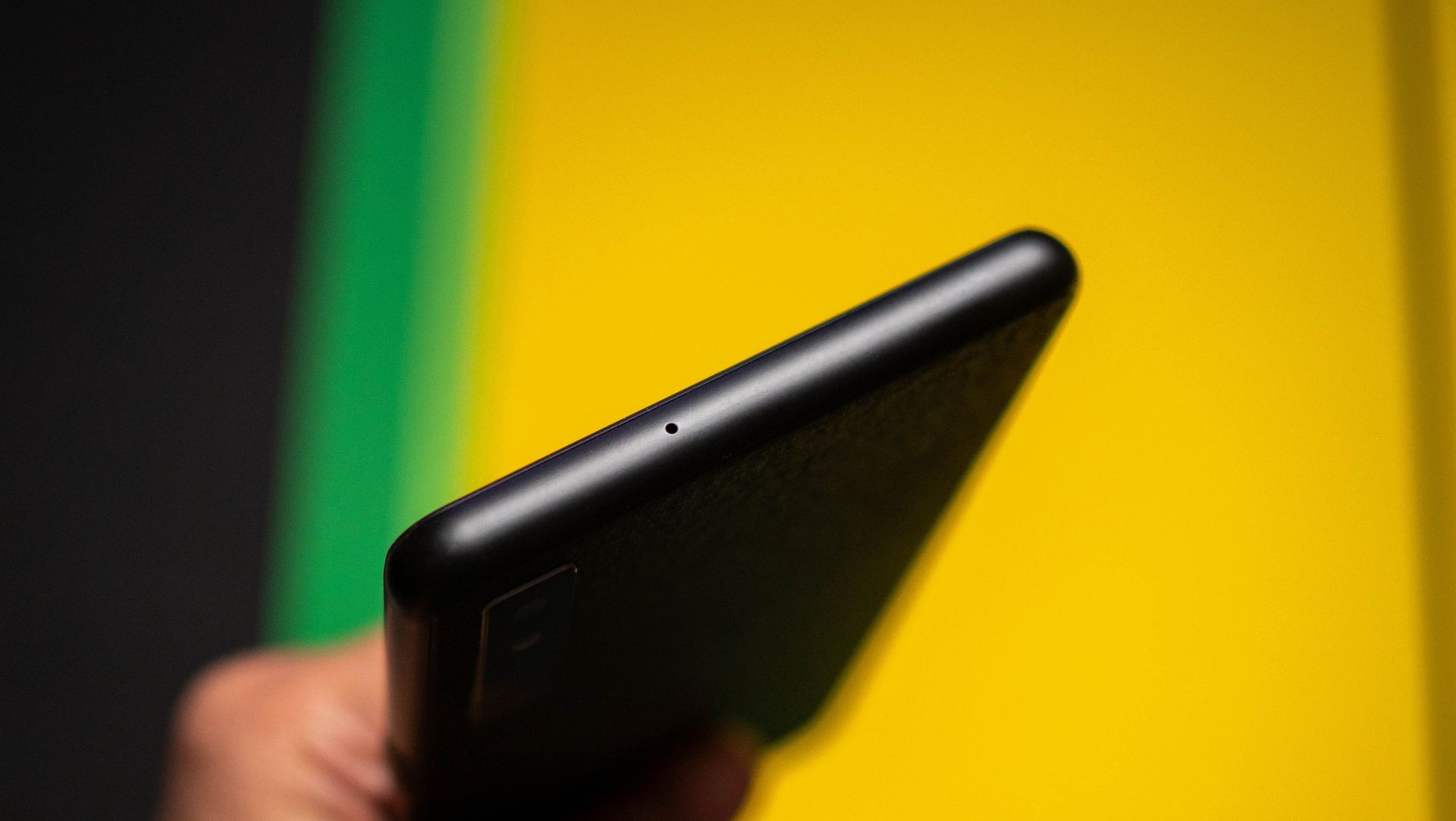
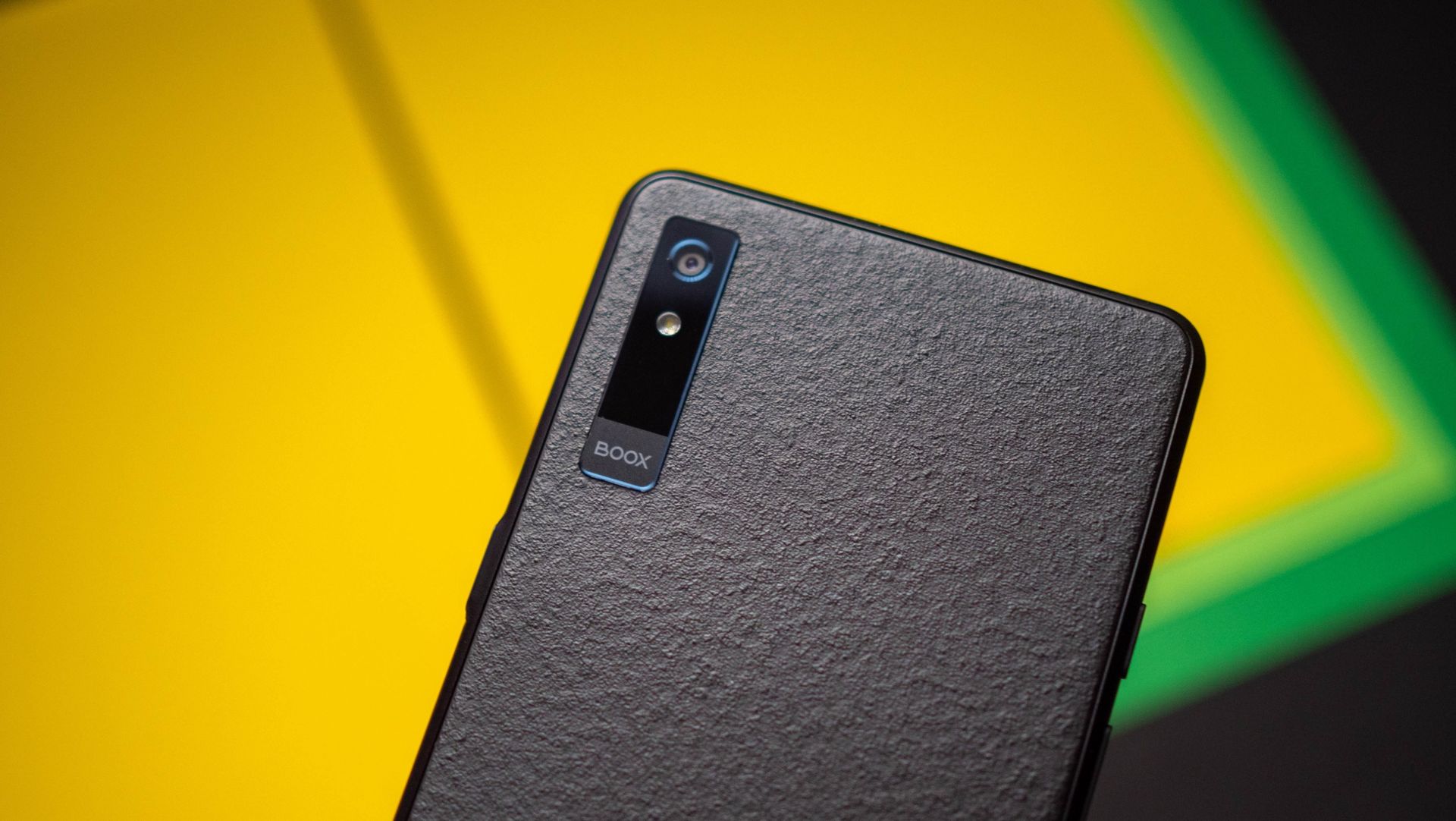
I have a never-ending pile of books to read, and I try to take at least an hour a day to read. That usually involves sitting on the couch with the Kobo Libra Colour, and while I enjoy using the 7-inch e-reader (a lot), it isn't what I'd call portable; I mostly use it while at home or on a flight.
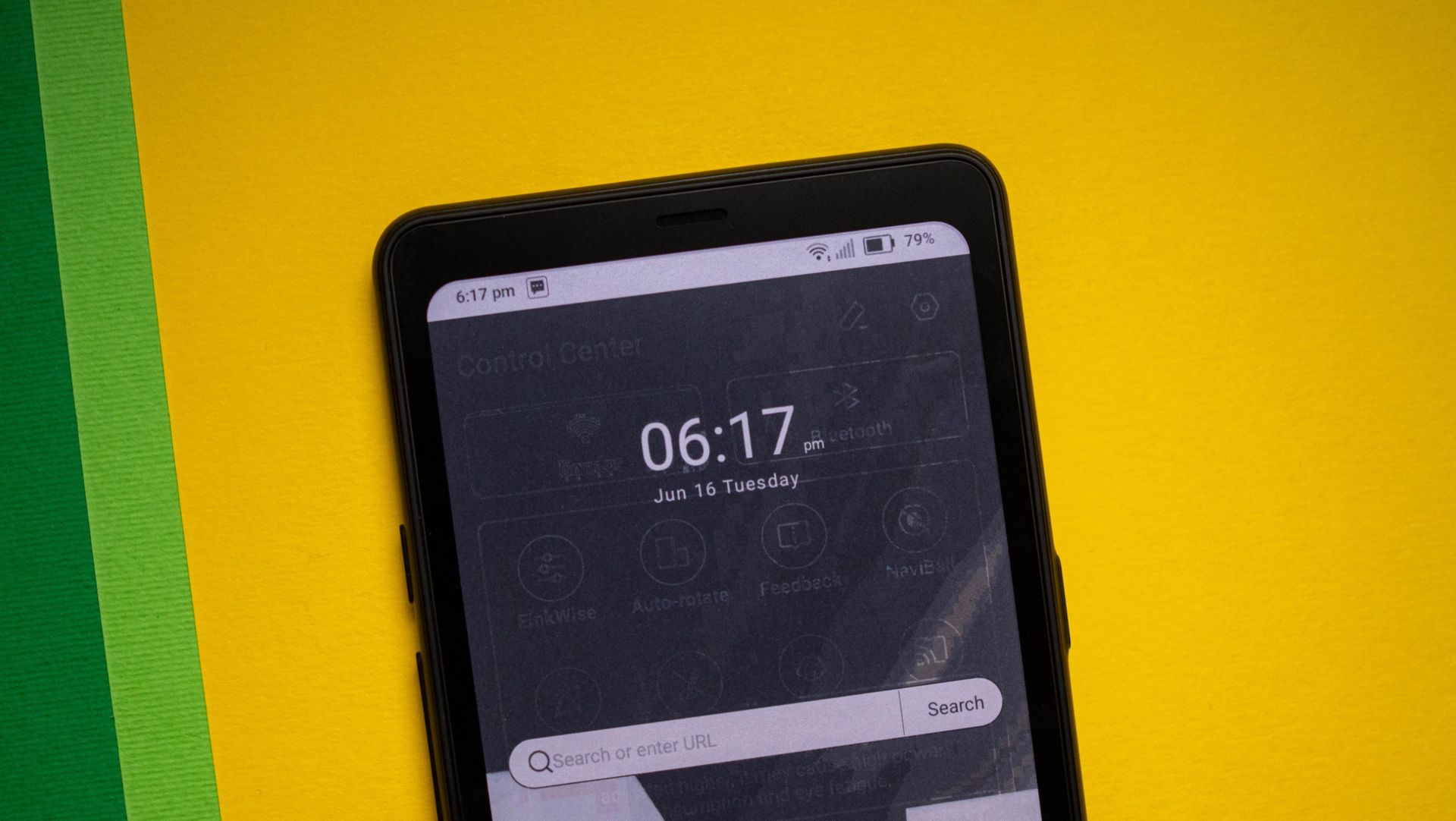
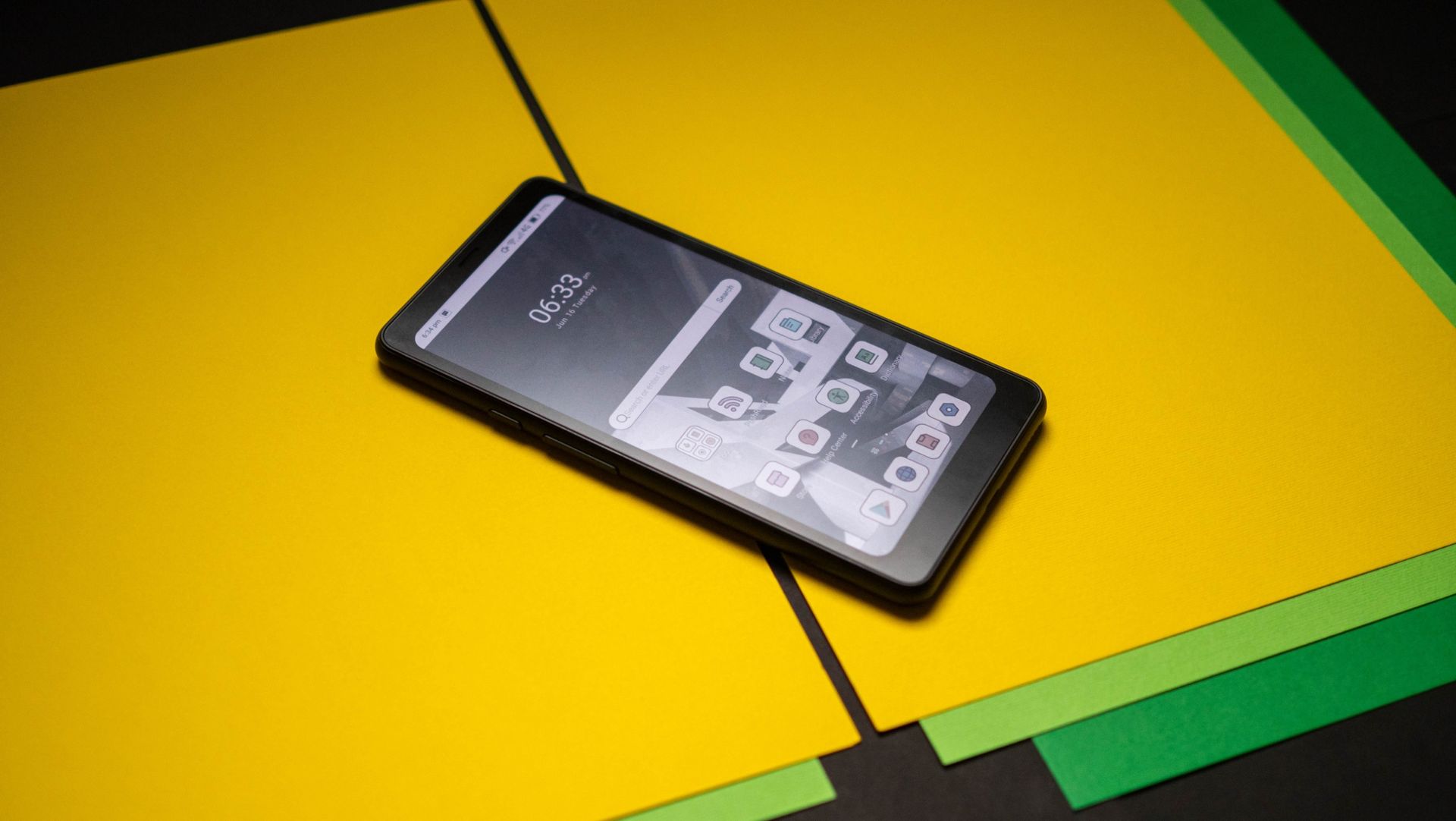
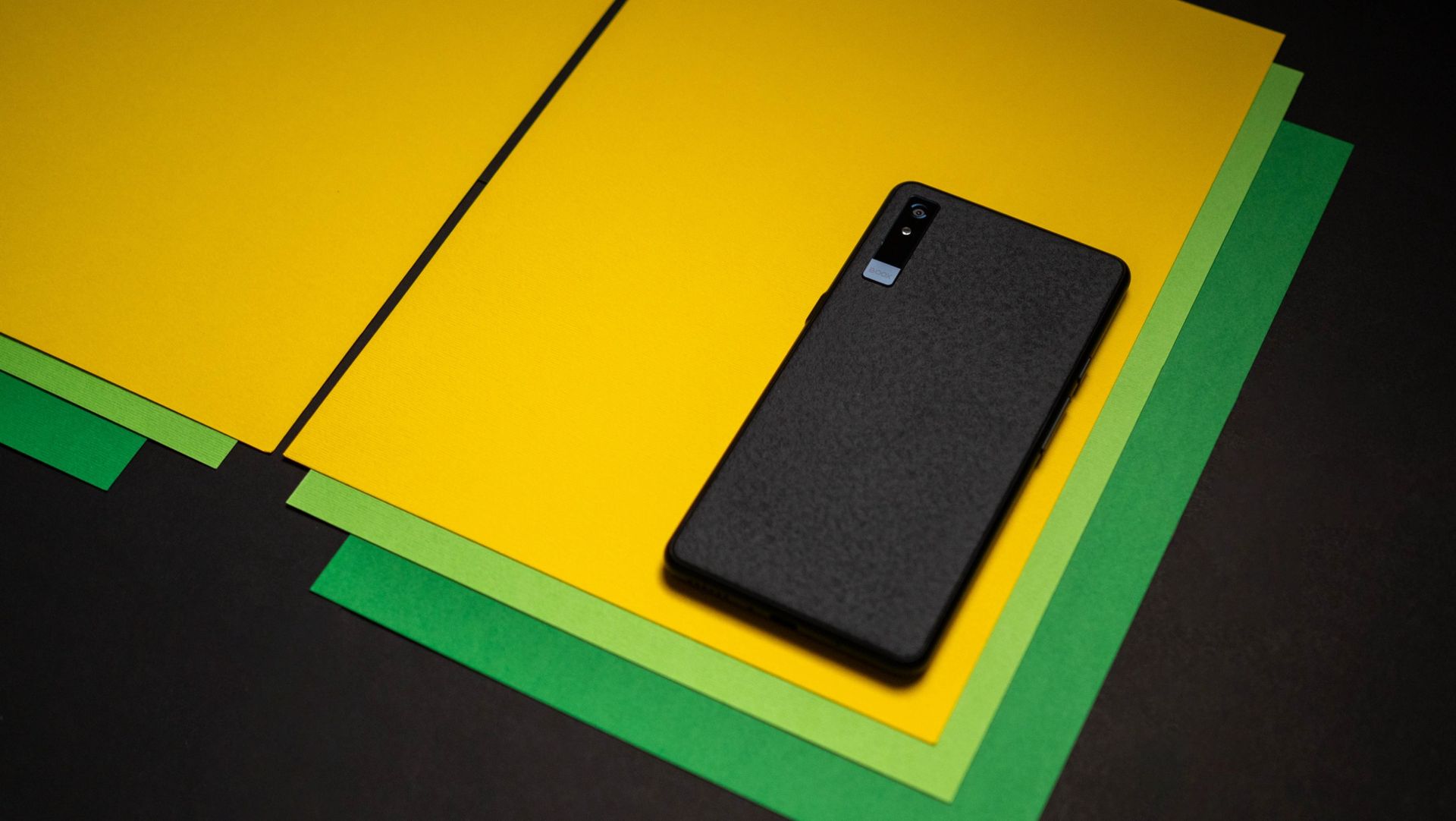
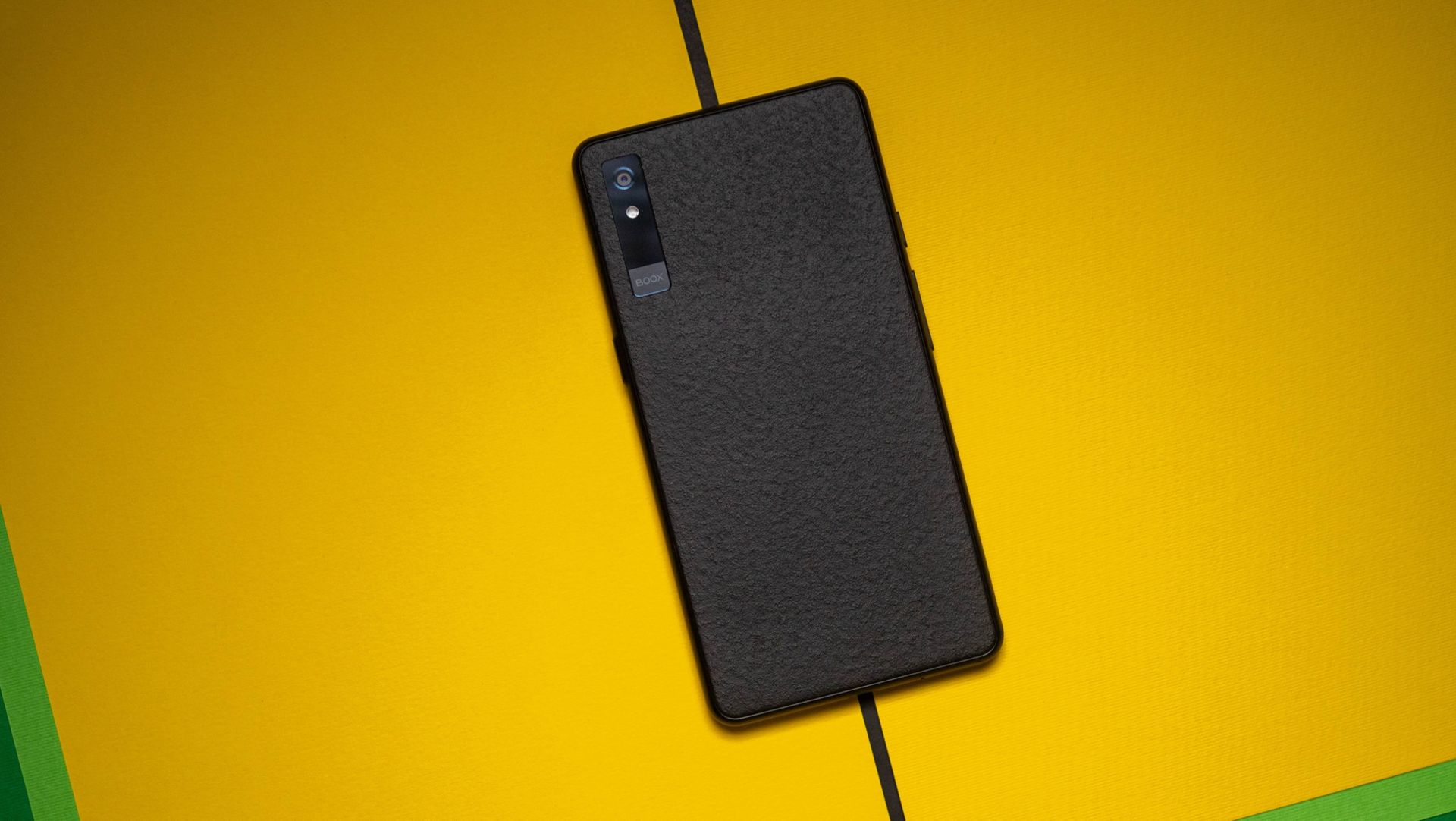
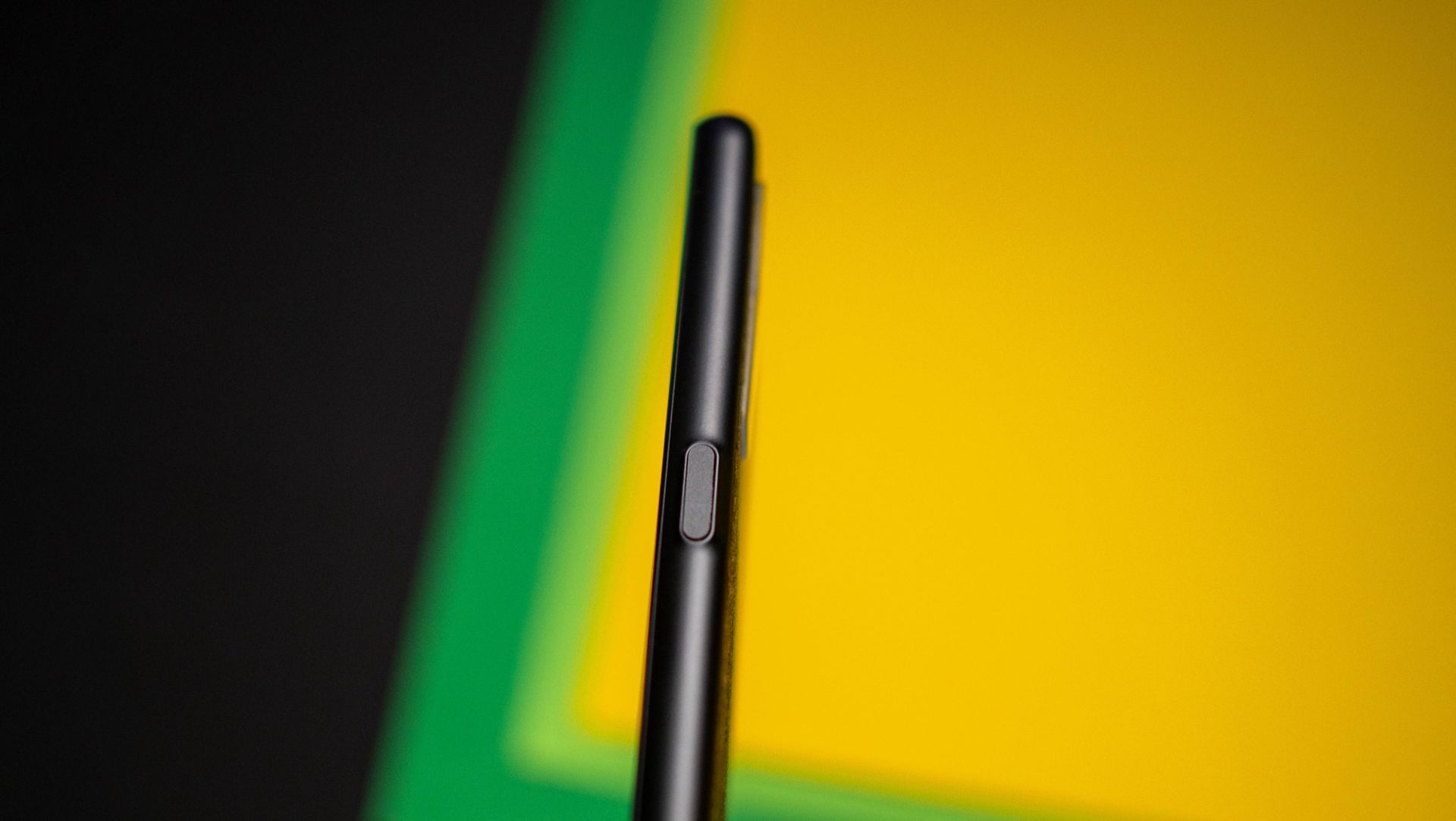
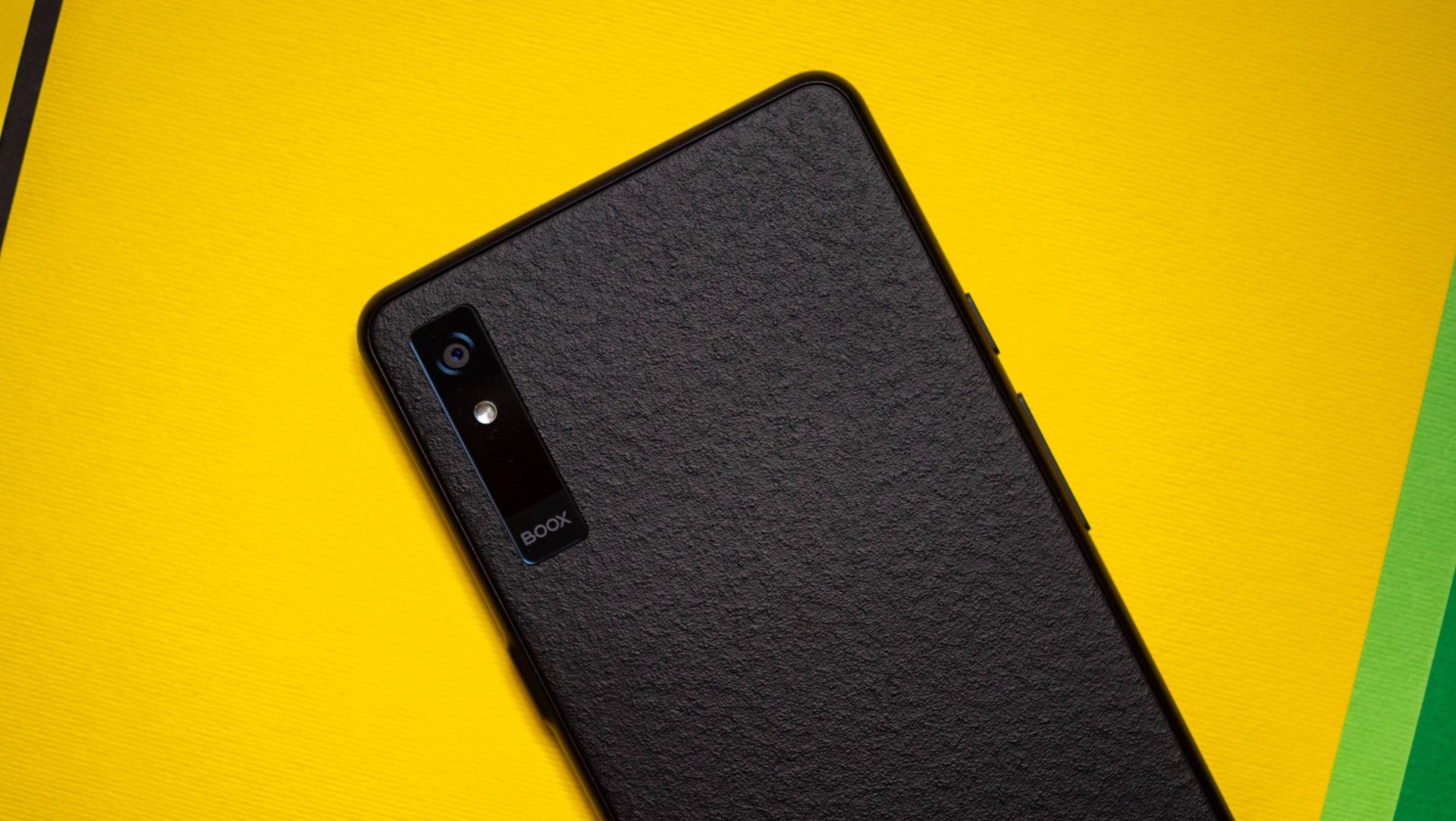
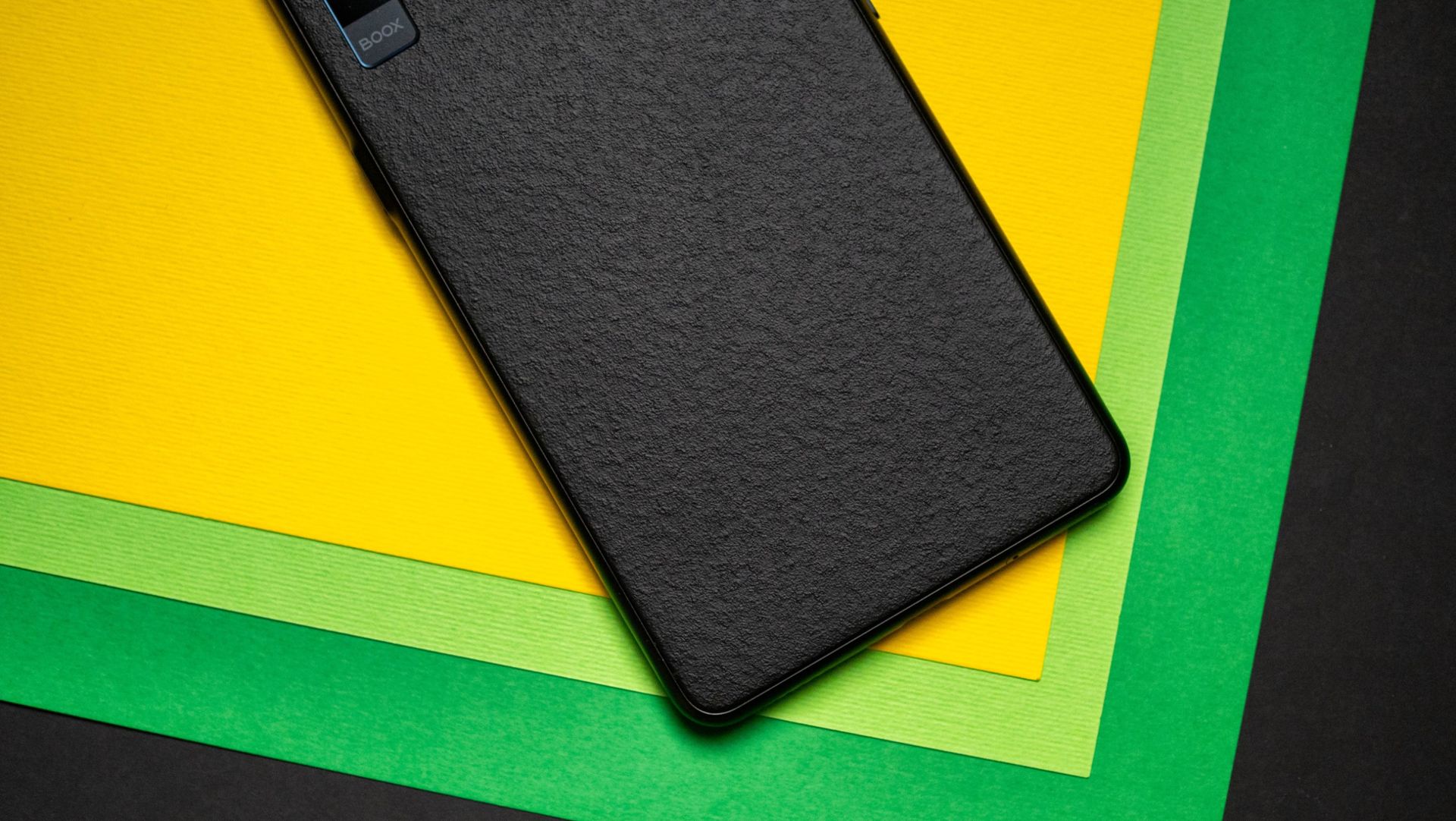
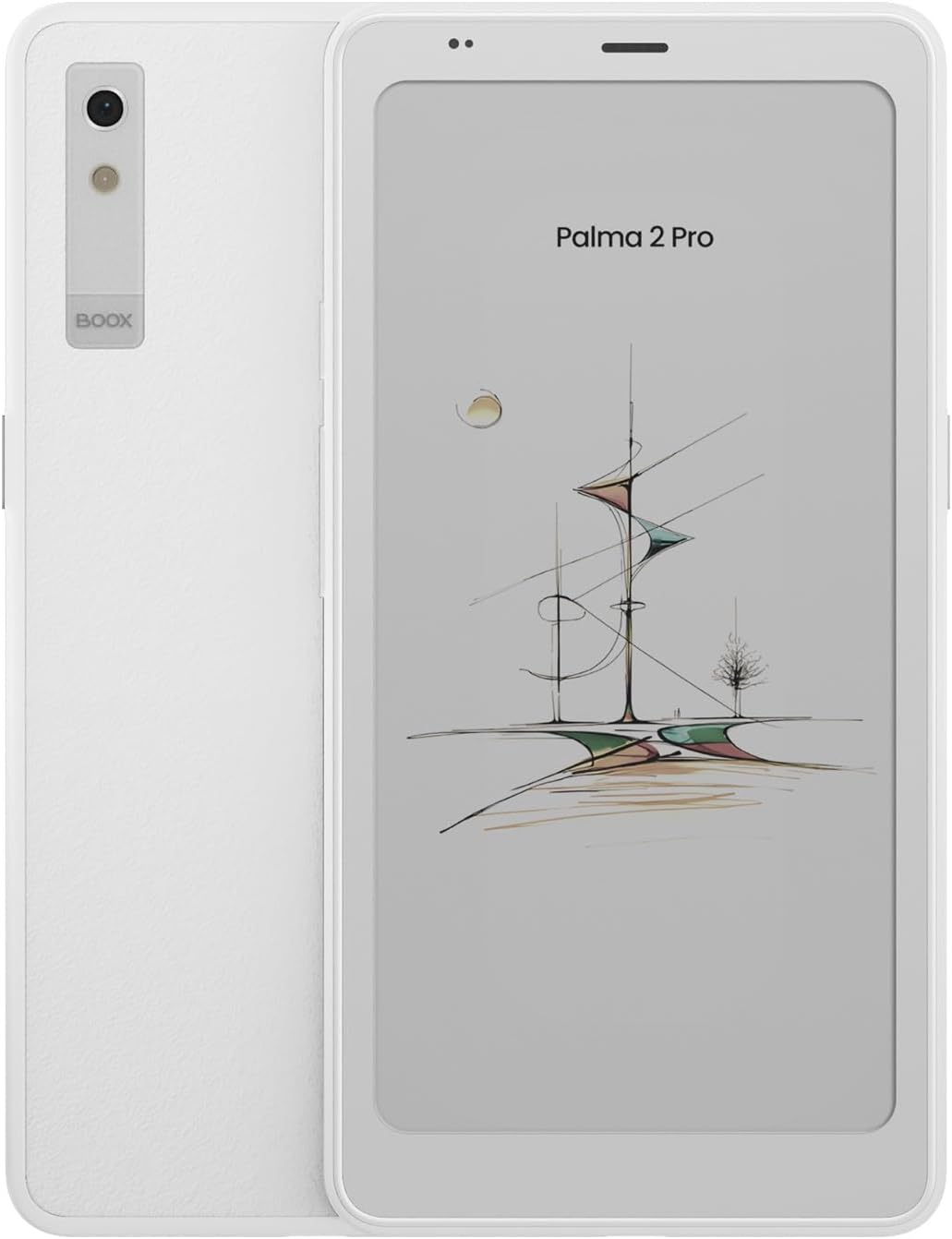
This is the biggest advantage with the Boox Palma 2 Pro solves. As it has roughly the same dimensions as a phone, it is seamless to take anywhere, and I just throw it in my EDC bag. While I was initially hesitant to use the device because of the smaller size, I now see it as a huge advantage, and I ended up using the Palma 2 Pro much more than I imagined in the last six months. Starting at $399, it isn't an impulse purchase by any measure, and it costs more than most high-end e-readers; I like the DuRoBo Krono as well, and that retails for $279 as of writing.
That said, the unique size and feature-set of the Palma 2 Pro make it a great choice to use just about anywhere, and I'm outlining three areas where it's made a real difference.
When I take out the Kobo, it is intentional. I plan my reading sessions and try to minimize distractions. That hasn't been easy in recent years because of a busy schedule and a toddler, and there are weeks where I don't get any reading done.
This isn't an issue with the Palma 2 Pro; I have it with me while going out, so if I'm just waiting around, I just use it instead of reaching for my phone. While I prefer reading in hour-long sessions, it's just easier to take out 10 minutes to read something interesting rather than get distracted by my phone, and the Palma 2 Pro made a big difference in that area.
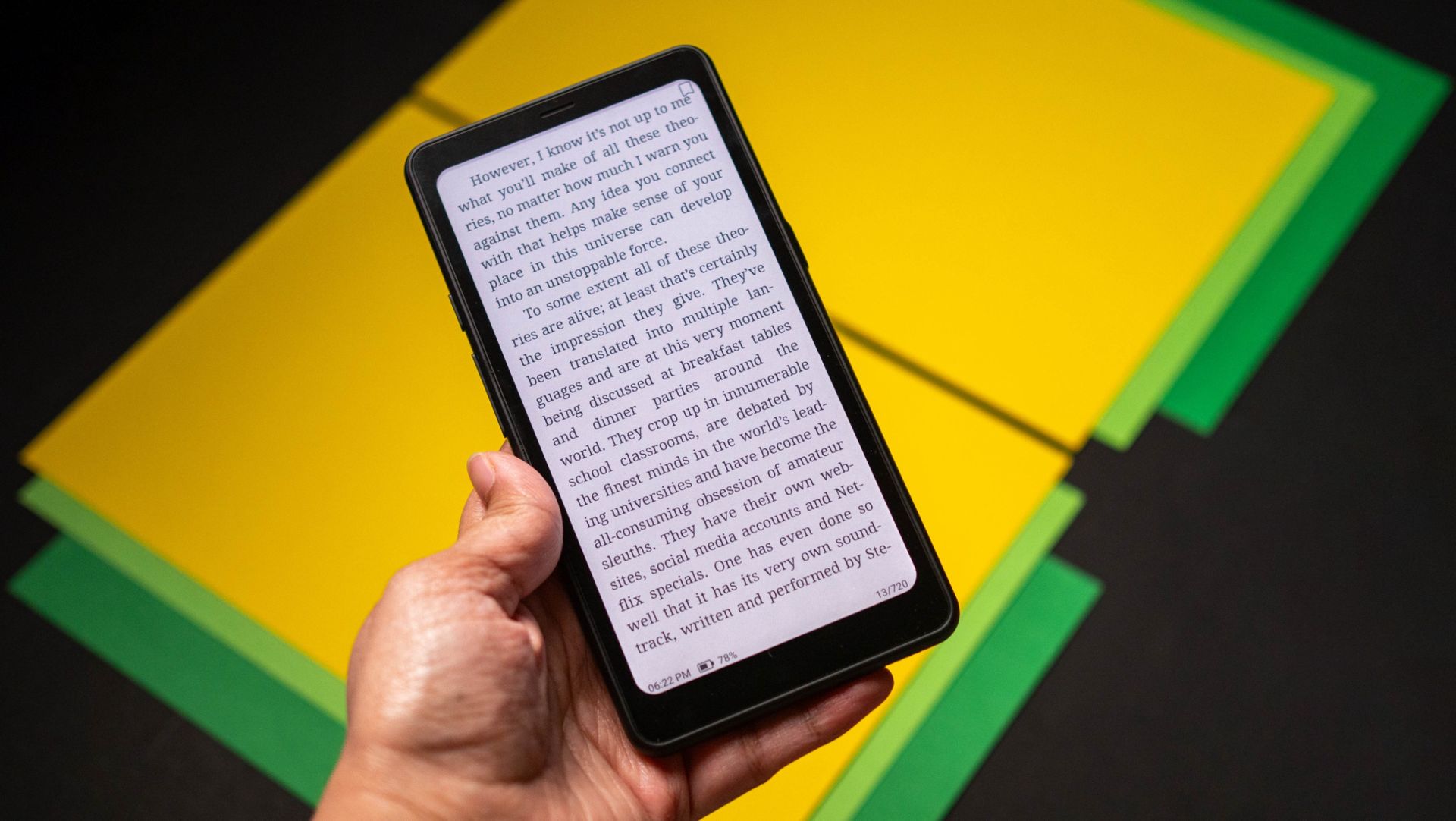
The 6.13-inch E Ink Kaleido 3 panel is a delight to use, and it has the standard 300ppi pixel density with monochrome content. It has colors as well, and the 150ppi density is decent enough when reading comics on the go. What I like better is that it has adjustable light with warm tones, and it definitely comes in handy.
I'd like to think I do a good job with phone usage. I have DND enabled throughout the day, and I try to be cognizant about how much I use my phone. That said, there have been enough times when I went down a Reddit rabbit hole and didn't realize hours had passed (r/watches is addictive).
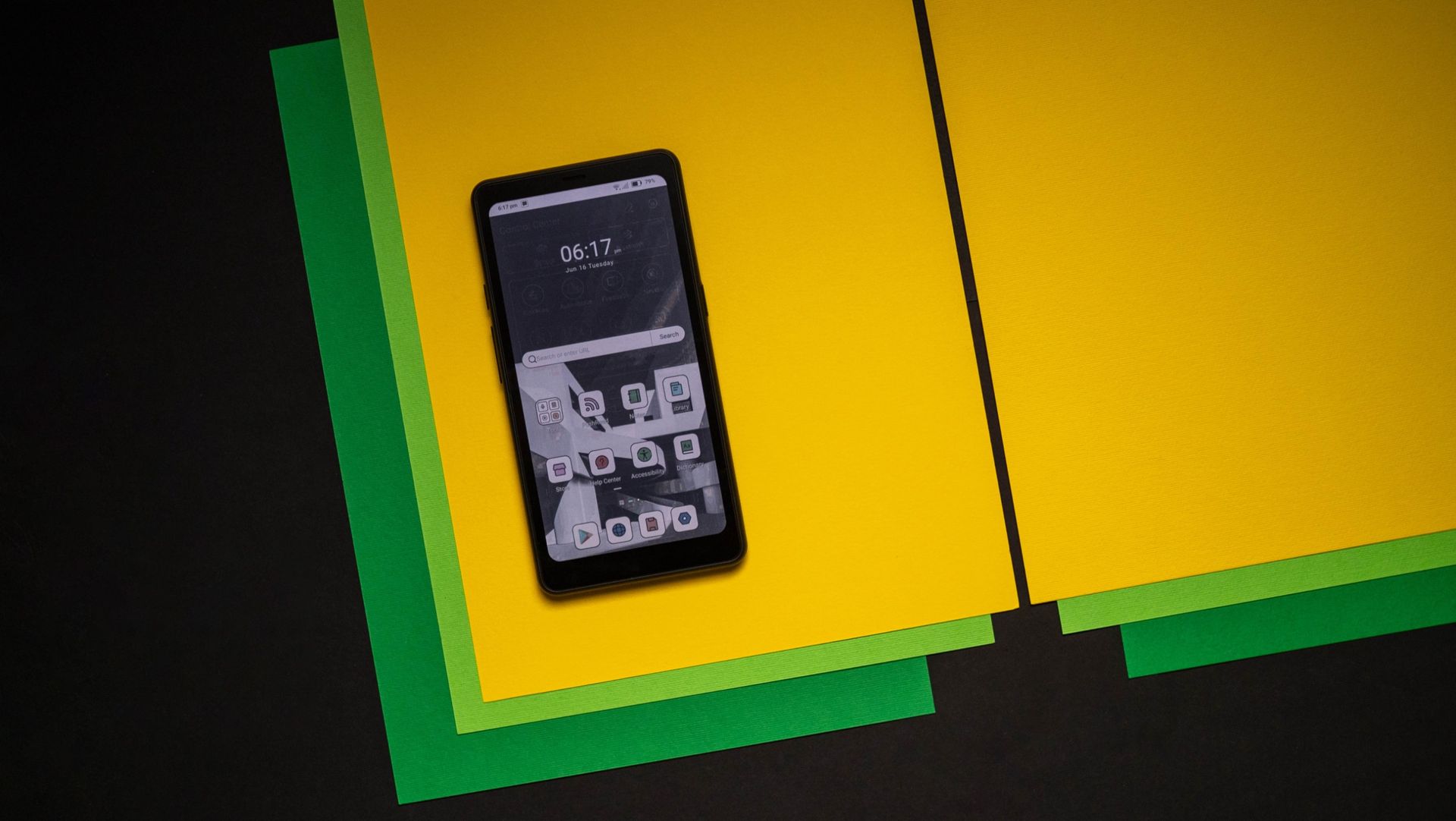
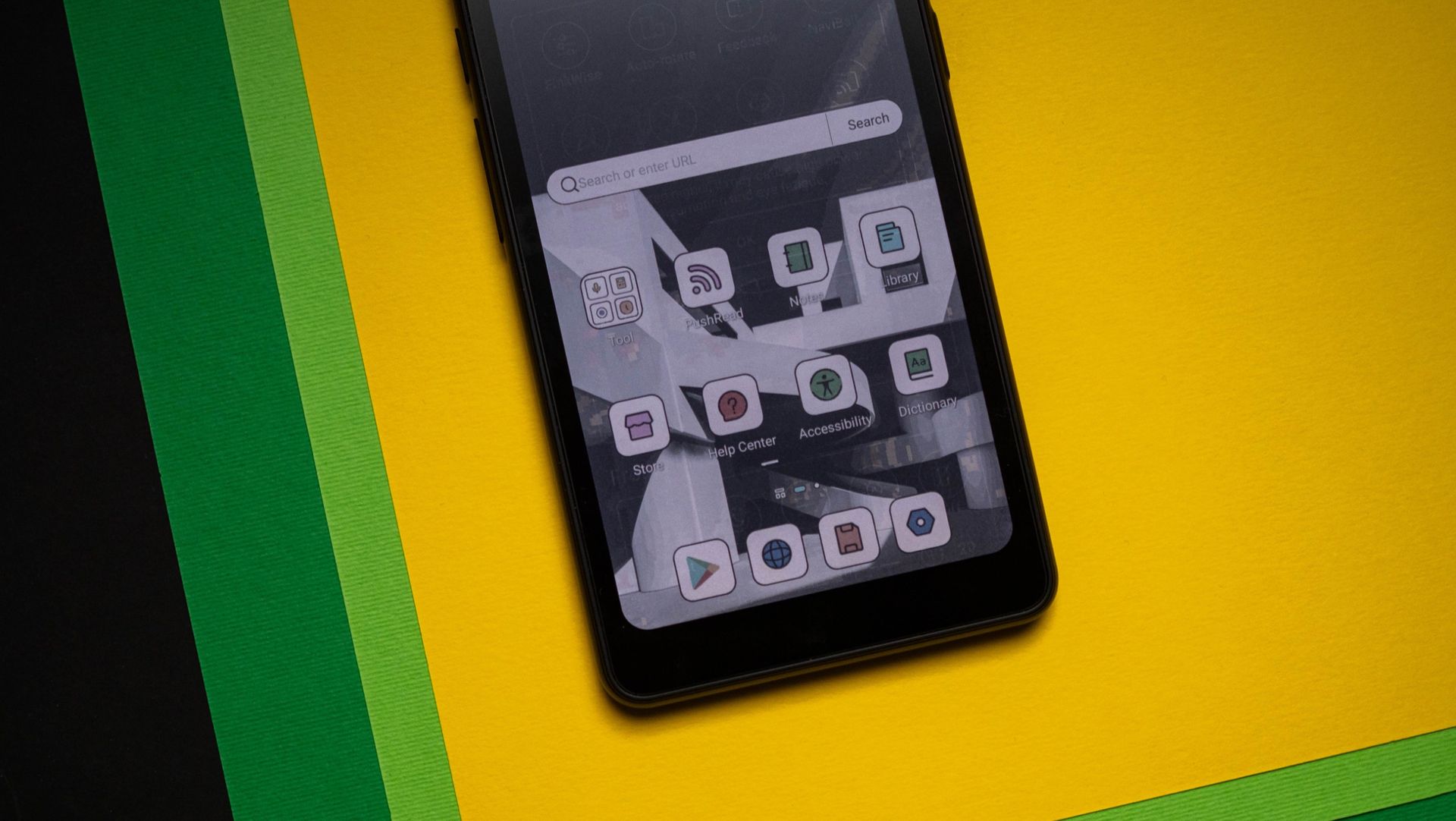
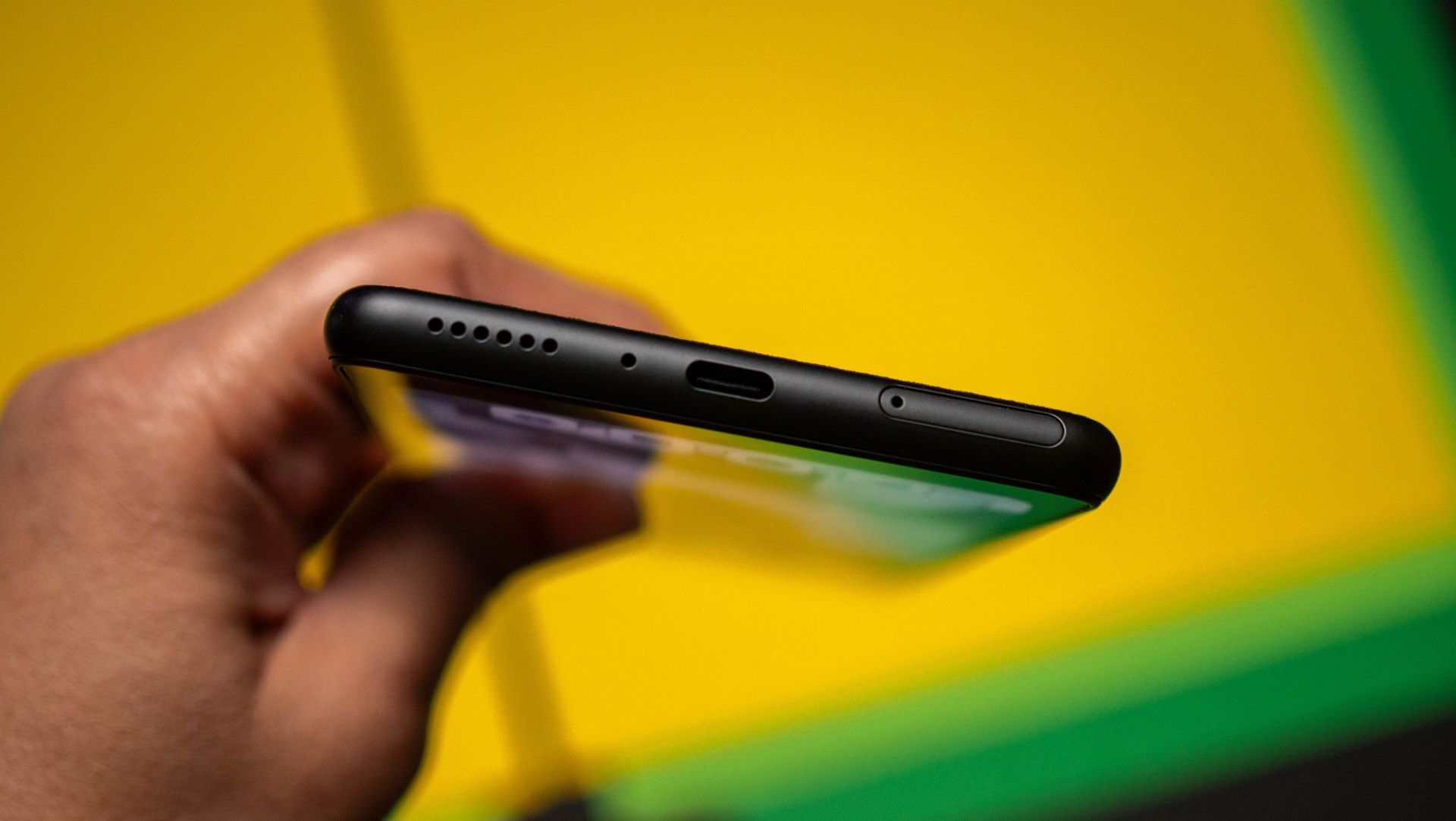
This is where having a dedicated device like the Palma 2 Pro is so handy. The e-reader runs Android 15 out of the box and gives you full access to the Play Store, and it has a SIM slot that lets you use a data plan as well. But because it has an E Ink panel, you're limited in what you can do with the device. This is a good thing overall, and I found the size to be ideal to hold in-hand and read on the go.
Look, I don't like charging devices daily; that's why I used the Find X9 Ultra as my daily driver, and why I'm liking the Pixel Watch 5. Thankfully, the Palma 2 Pro does a great job in this area, and the 3,950mAh battery easily lasts a week between charges.
This is a big part of what makes e-readers great in general. The battery on my Kobo Libra Colour lasts closer to two weeks before having to plug in it, and not having to worry about whether I've charged a device — particularly while on the go — is a big relief.
Honestly, I didn't think I'd use the Palma 2 Pro anywhere as much as I did when I got started with the e-reader. The smaller size is just so convenient, and while it doesn't have the same screen real estate as a 7-inch reader, the portability is unmatched. If you don't want to shell out quite as much cash, the Krono is a decent enough alternative, but you get a lot of additional software features with the Palma 2 Pro.
Onyx
Boox Palma 2 Pro
The Boox Palma 2 Pro is the ideal phone-sized e-reader to take just about anywhere you go.
Vivo just unveiled the X500 Pro Max at an event in Shanghai, China, and there's a lot to like with the phone. The X500 Pro Max is the clear highlight, but there's also a standard X500, and the X500 Pro. With the Pro Max, Vivo is delivering a bigger phone with a huge 6.85-inch AMOLED panel, and an 8,000mAh battery — the largest on one of its devices yet.
It's the cameras that are the main highlight of these phones, so let's start with what the X500 Pro Max has to offer. It uses a 1/1.28-inch 50MP main camera that uses Sony's new Lytia 910 sensor, and it's joined by a 200MP telephoto lens with 3.5x optical zoom — the same as the X300 Ultra — and a 50MP wide-angle module.
Elsewhere, the X500 Pro Max is powered by MediaTek's latest 2nm Dimensity 9600 Pro platform, and it is a clear powerhouse. The switch to 2nm brings huge gains in efficiency, and with the phone having an 8,000mAh battery, it should easily last three days without any issues. There's also a bigger 6.85-inch AMOLED panel with higher resolution than last year (3168 x 1440), and the latest connectivity.
Just like the X300 Ultra earlier this year, the X500 Pro Max focuses on video, with Vivo bringing most of the features over to Pro models. Vivo says it has achieved vertical integration through what it calls the BlueImage Dynamic Imaging Technology Stack, with the brand working closely with Sony (who made the camera modules), MediaTek (to customize the Dimensity 9600 Pro), and ZEISS (to deliver gimbal-level stability).
The X500 Pro and Pro Max can shoot 4K240 cinematic video as well as 8K footage, and they use Vivo's custom V3 and VS1 imaging silicon to boost fidelity of images and videos. There's a lot to like on the software side as well, with the phones running OriginOS 7 based on Android 17 out of the box.
The X500 Pro is largely the same as the Pro Max, but it doesn't have the tele lens, and the standard X500 is based on the Dimensity 9600M, doesn't have cameras that are quite as good as the Pro models, but the 7,500mAh battery is great to see. The X500 Pro Max starts out at the equivalent of $1,045 (CNY 6,999), with the Pro at $970, and the standard X500 at $830. Obviously, they'll cost a lot more once they start selling outside China, and as of now, there's no telling when that will be — or what they'll eventually cost. That said, given just how good the X300 Pro was, I'm excited to take a look at the X500 Pro Max and see just how it differs.
Qualcomm's Snapdragon X Elite is powering Googlebook, a new laptop category built specifically for Gemini Intelligence.
Equipped with a 12-core Oryon CPU (up to 4GHz) and a Hexagon NPU pushing 45 TOPS, the platform is engineered to run complex generative and agentic AI directly on-device.
Preorders are open now for the first wave of hardware, including the HP Googlebook 14 and new models from Dell.
Qualcomm today announced it will bring its Snapdragon X Elite platform to the first Googlebook laptops, a collaboration with Google to power a new breed of computers built around Gemini Intelligence.
The collaboration pairs Google’s Gemini-based software with the Snapdragon X Elite’s emphasis on performance, efficiency, and on-device AI. Qualcomm’s platform also features a 12-core Oryon CPU that can clock up to 4GHz and a Hexagon NPU that can deliver up to 45 TOPS, meaning Googlebook will have dedicated hardware for generative and agentic AI workloads.
Googlebook also aims to make Android devices feel more connected to the laptop. Qualcomm's press release mentioned features including Cast my Apps, Magic Pointer, and Rambler, which are designed to provide information from e-mail, calendars, and on-screen content. Native Android app and game support also broadens what users can run directly on the laptop.
The Snapdragon hardware also has plenty of connectivity and display support. It supports Wi-Fi 7, Bluetooth 5.4, LPDDR5x memory with up to 135GB/s bandwidth and up to three external 4K displays at 60Hz. The platform also supports 4K HDR capture and can decode 4K120 video.
Again, preorders are already open for the first wave of hardware, including the HP Googlebook 14 and new designs from Dell. HP’s Samuel Chang says the HP Googlebook 14 blends Snapdragon efficiency with Gemini smarts for productivity.
Should Qualcomm and Google fulfill their promises of smooth multi-device continuity and serious NPU efficiency, this shift could finally give Windows laptops and MacBooks a run for their money in everyday productivity.