
FaceApp is back on everyone's mind with it's aging filter that shows off what you might look like when you turn 80. Of course this isn't all that FaceApp can do! It's actually got a decent number of different fun editing options, filters, backgrounds and more.
Editor Options
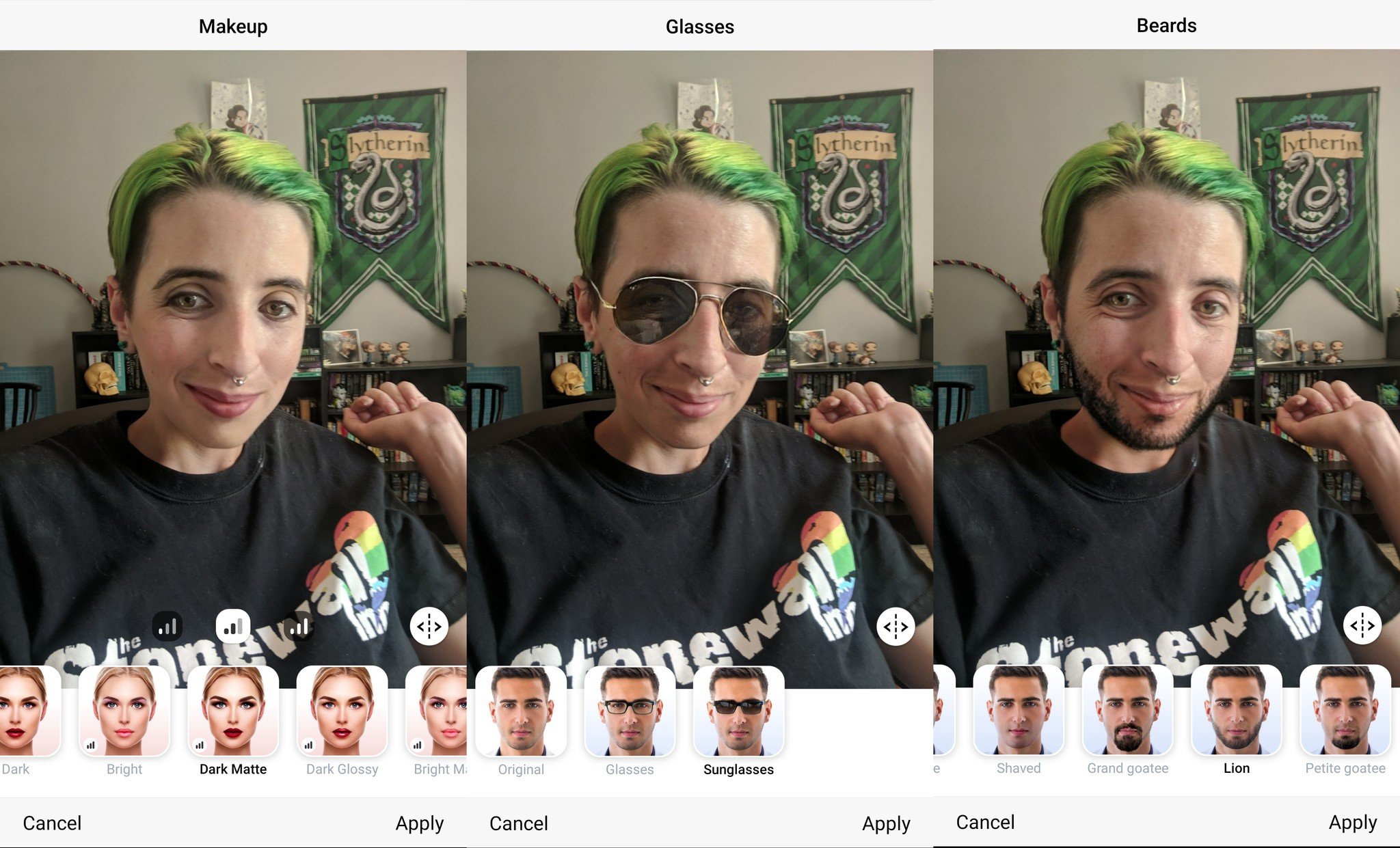
The aging filter in Editor is easily the most popular options that folks have been playing with this week. It definitely isn't the only one though. There are actually eight different options with filters for you to choose from: impression, Makeup, Smiles, Hair colors, Hair styles, Glasses, Age and Beards.
Each option have several different filters that can be settled over your face. Some of them work better than others, but they're all a lot of fun to play with and see what you'd look like under different circumstances. Beards probably work the best, while hair color doesn't do much if you have colored hair. Likewise using the "hitman" option for a bald head left a halo of color from where hair had been so, not ideal. Makeup, long hair and glasses were all pretty fun as well and worked correctly.
Filters, Lens Blur, and Backgrounds
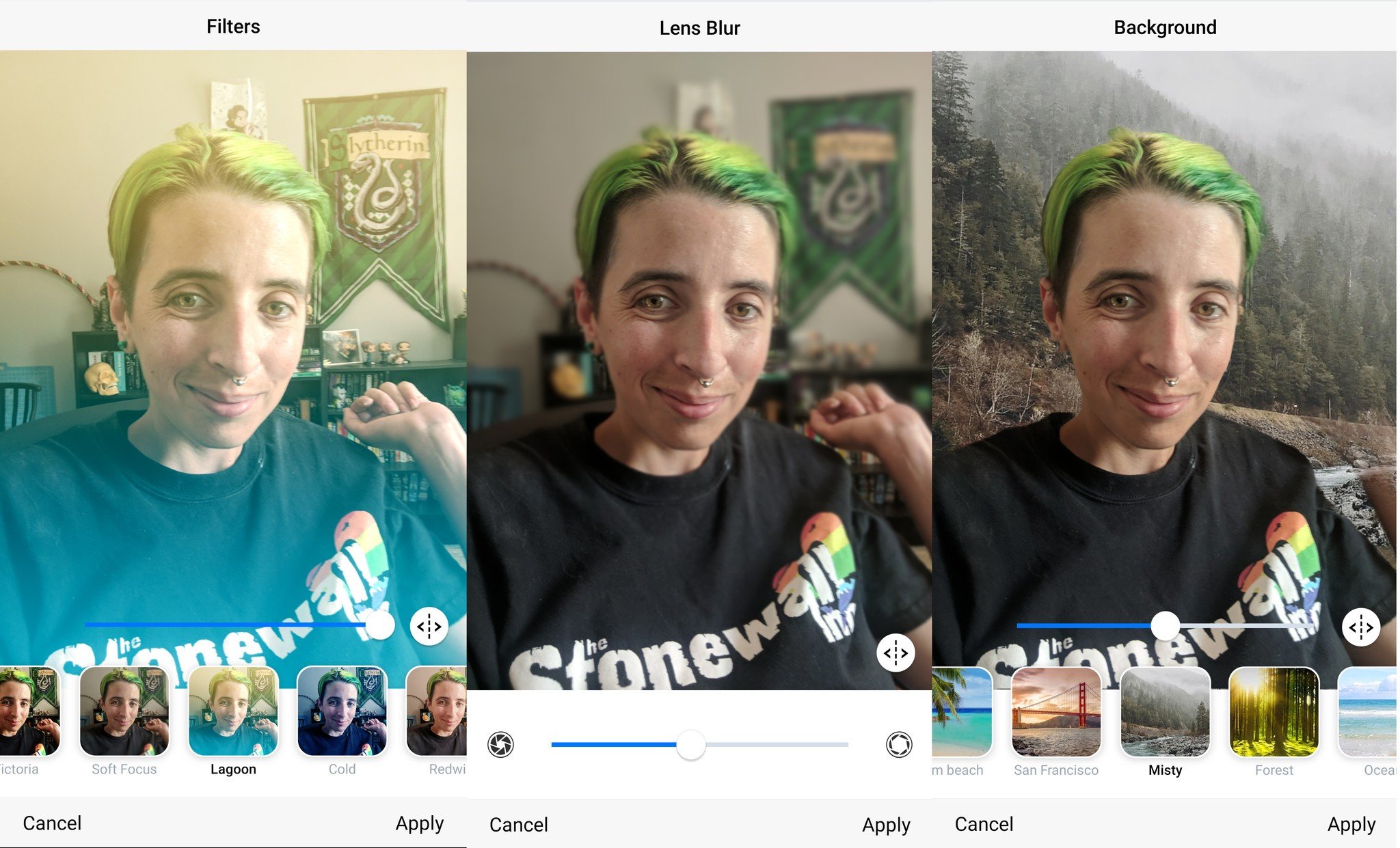
After you've spent some time tweaking how you look, there are even more options play with in FaceApp. Specifically you have filters which will change the way your whole photo looks, Lens blur which can make you pop against the background of your images and Backgrounds.
Of these three options the most fun are the backgrounds. You can impose yourself against streets in various cities, make it look like you are on vacation and even try to trick your friends into thinking you are on a hike up in the mountains. Each one is a little bit different and they are all a lot of fun to check out!
Overlays, Tattoos and Vignettes
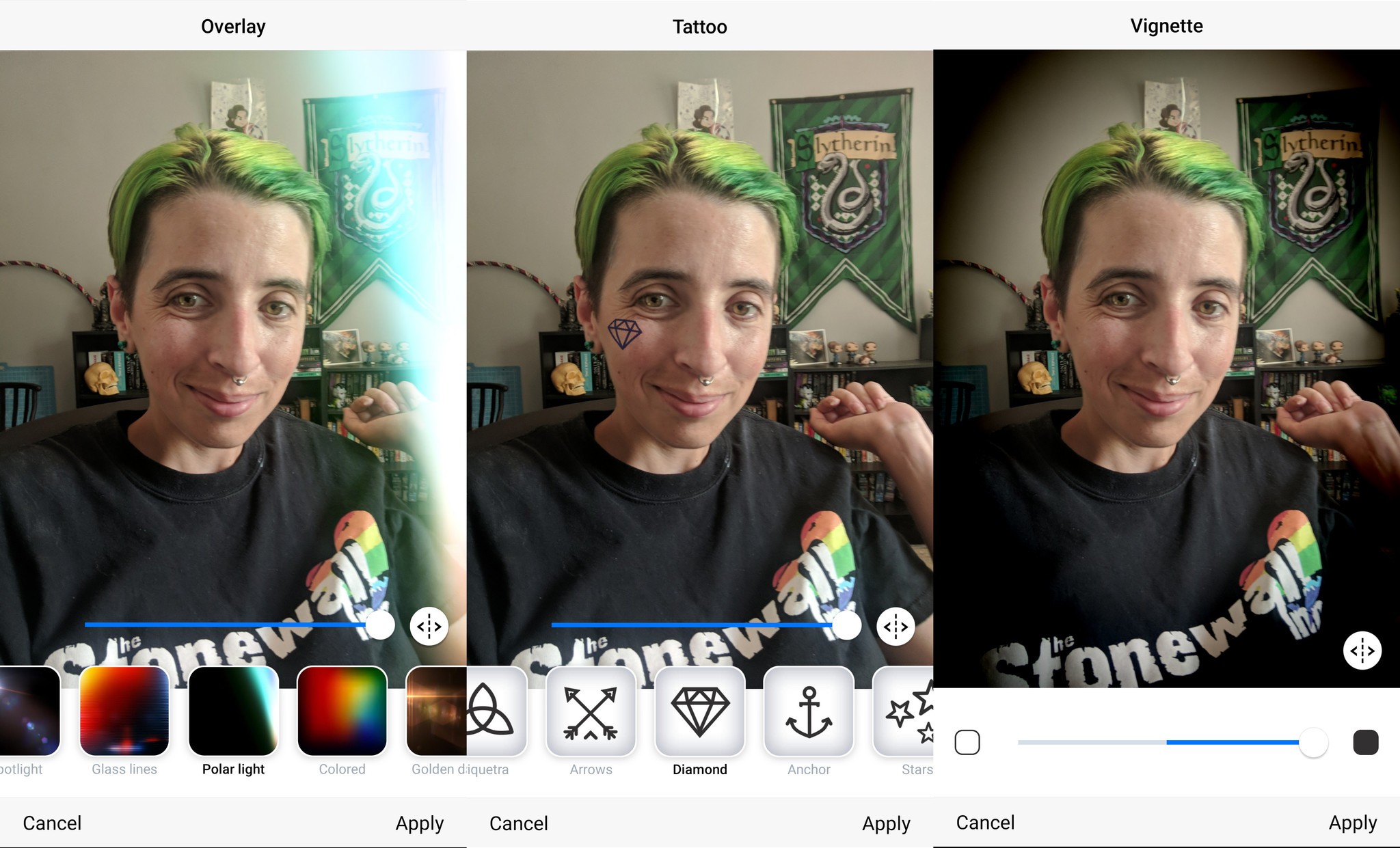
The set of fun things you can do with FaceApp come in the form of Overlays, Tattoos and Vignettes. Overlays translate to things like lens flares and colors that shift over your photo changing the way it looks. They're fairly similar to the idea of a filter but don't look the same once you're done. There are also a handful of silly little tattoos you can add to your face. Last but not least is the vignette option which darkens the area around you in a photo to make sure you're at the center of things.
While the tattoos are cute, the most fun of these three is definitely the overlay option. There are over a dozen different Overlays that you can set on your photo and each one looks a bit different which can add tons of character to a single photo depending on which one you pick.
Our favorite accessories
FaceApp lets you play with photos and filters to see what you'd look like under a variety of circumstances. If you want to take the best possible photos to tweak, having accessories like lens kits and microfiber cloths can help.
Shuttermoon Lens Camera Kit
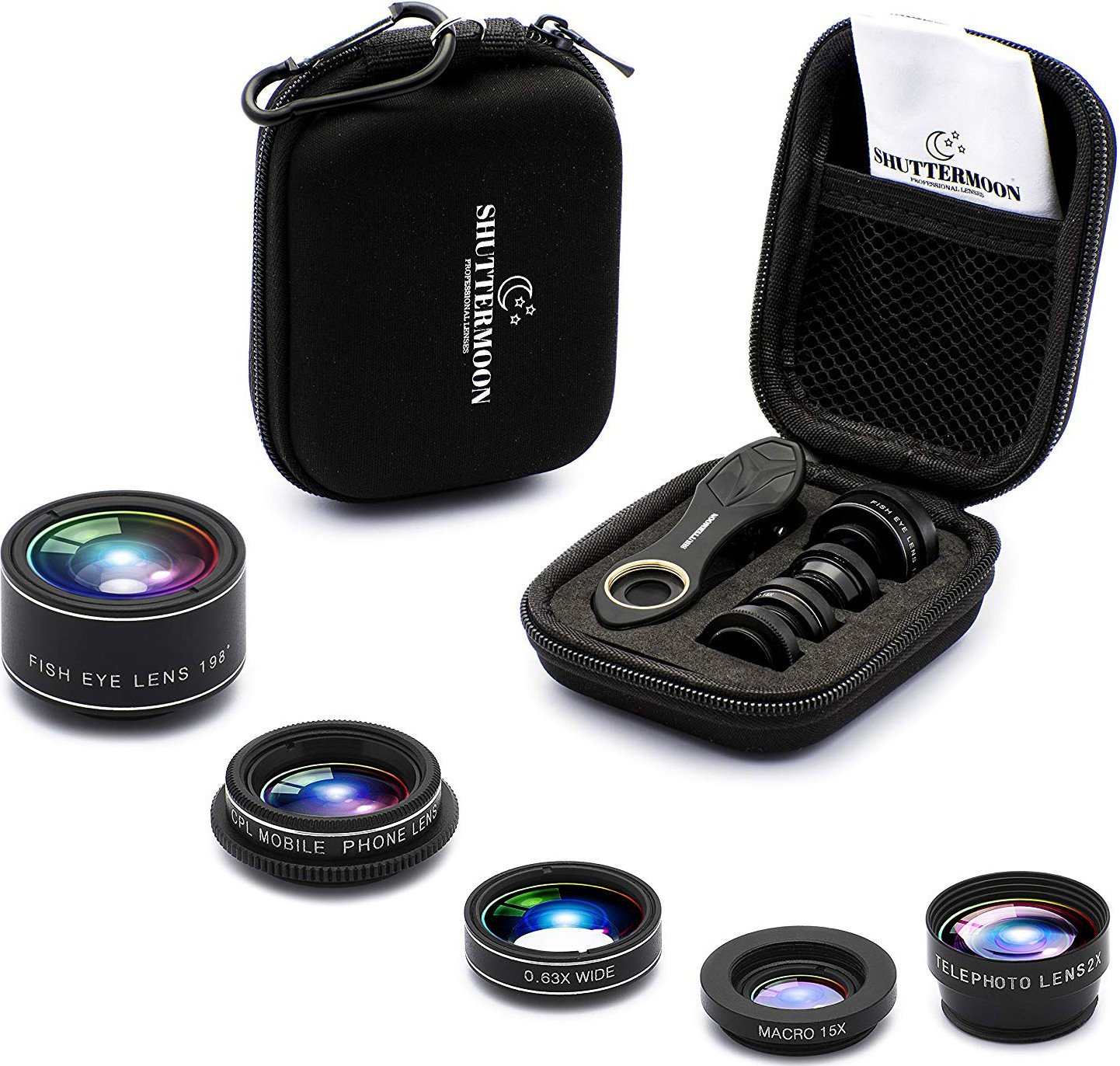
Five different lenses along with a clamp to attach them to your phone and a carrying case to keep them safe makes this kit excellent for getting the precise shot you want, when you want it.
Camkix Universal 3-in-1
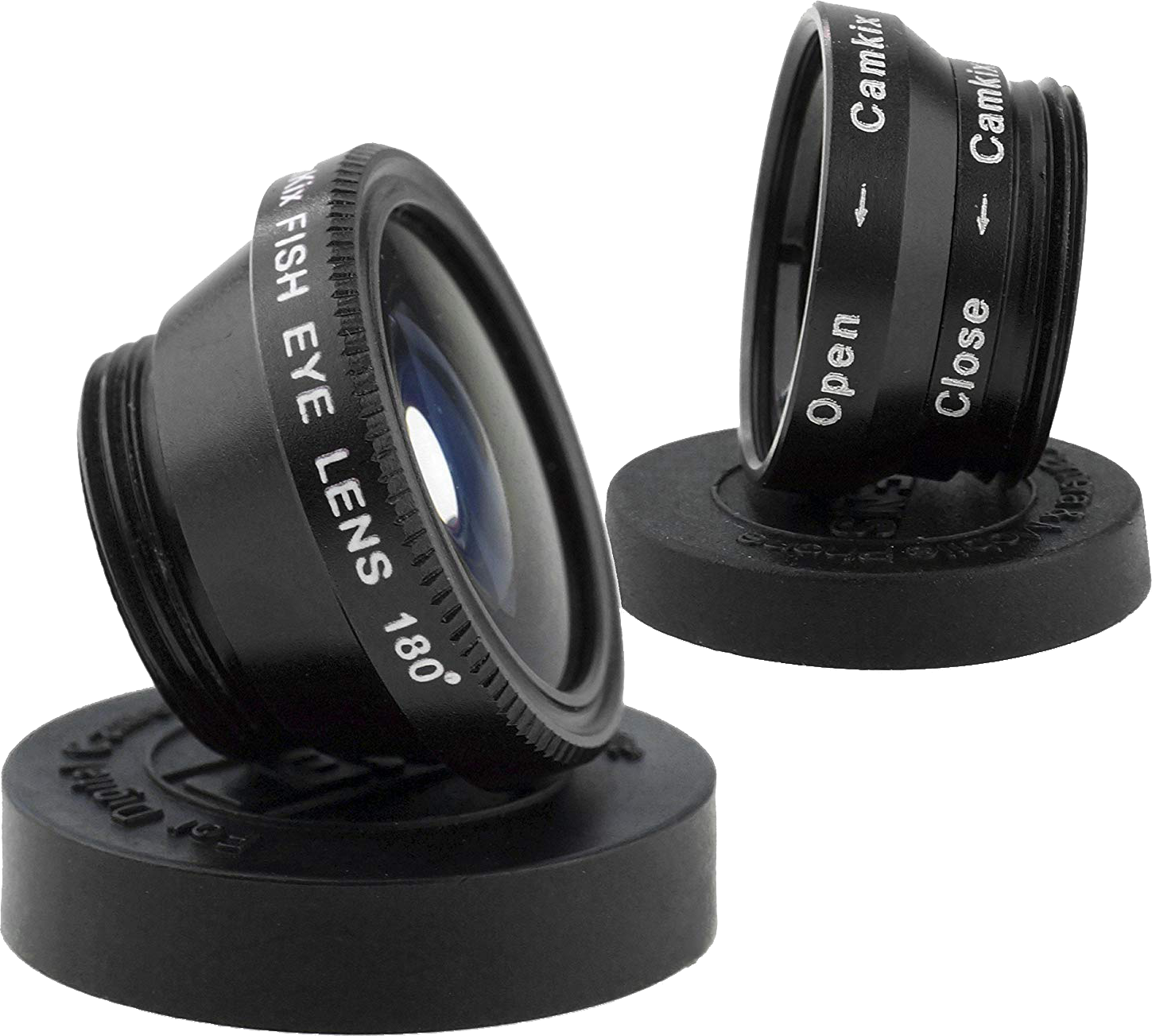
This clip system lens lets you get better photos while buying on a budget.
Magic Fiber Microfiber Cleaning Cloths
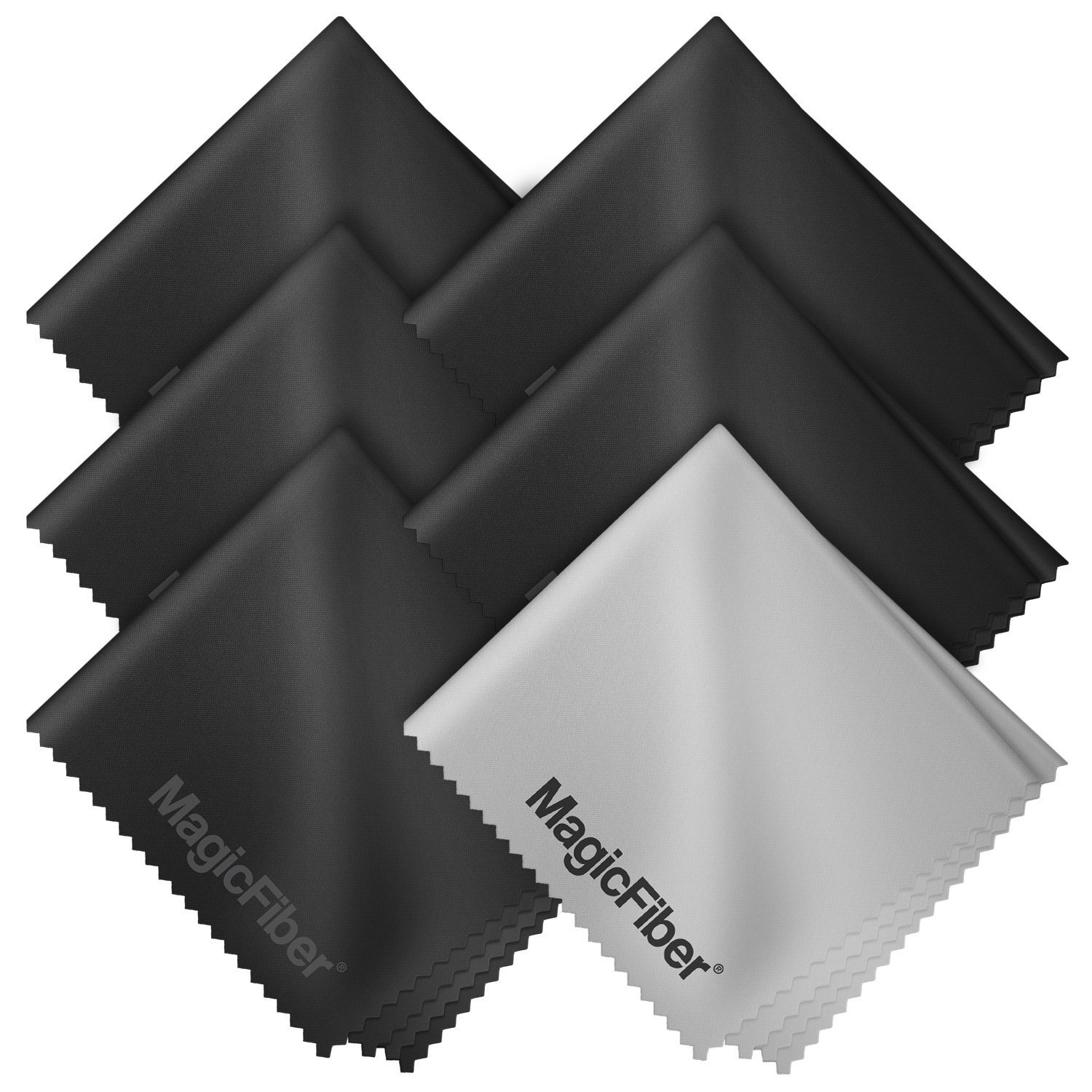
Keep your camera lens free of smudges and scratches with this 6 pack of microfiber cleaning cloths.

Tidak ada komentar:
Posting Komentar